Start with past interest
People came from your ad or post and messaged your Page themselves.

They saw an ad or post and started a conversation with your Page. From the Windows app, reconnect with eligible people through a relevant offer or new product. Give them a reason to buy for the first time or come back for more.
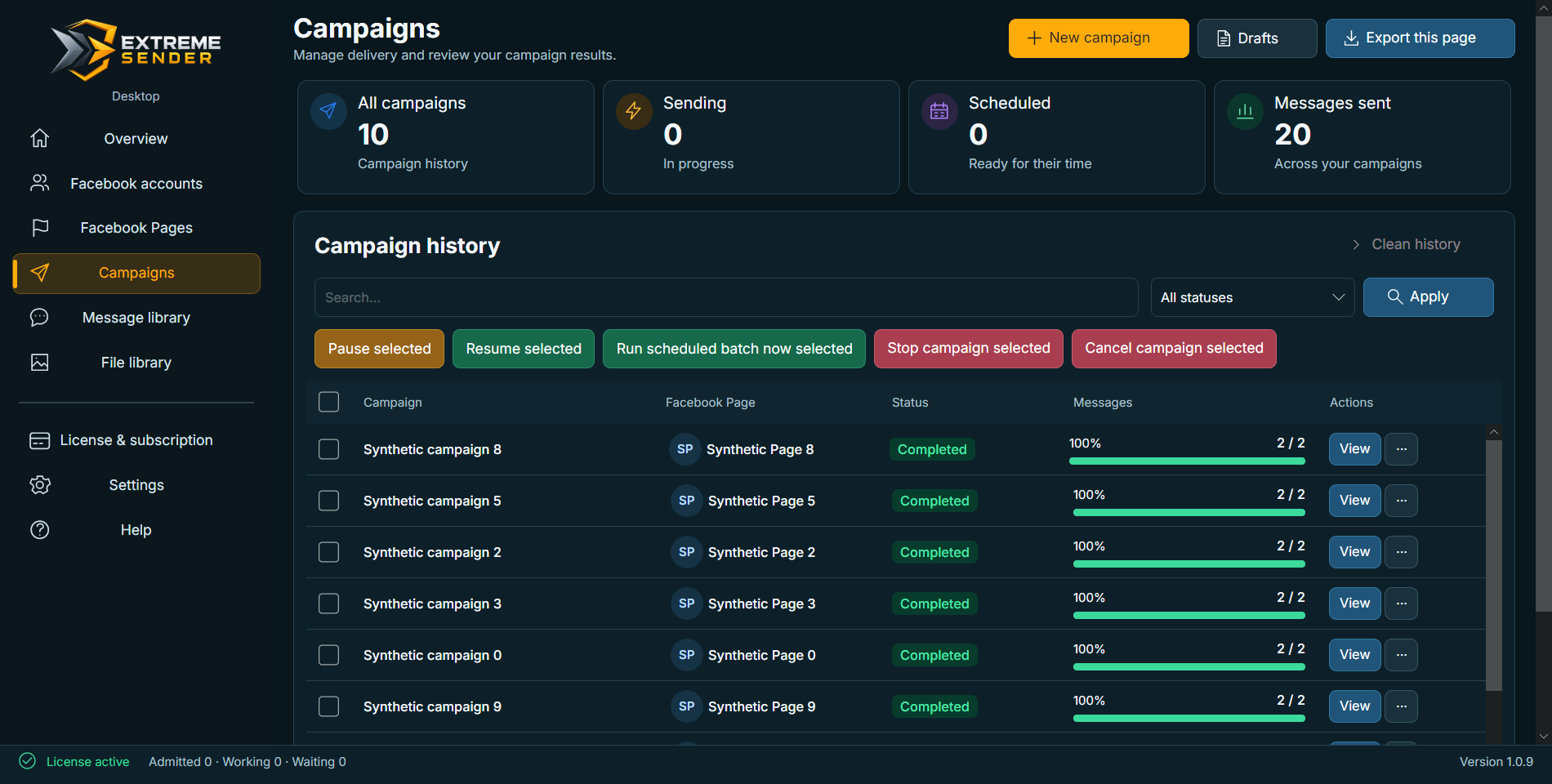
Reach eligible existing conversations with an offer worth returning for. The Windows app brings your Pages, messages, campaigns, and results into one clear workflow.
People came from your ad or post and messaged your Page themselves.
Review who can receive a message under Facebook rules before sending.
A new offer or product could lead to a first purchase or bring a customer back.
See sending progress and recorded results before planning the next offer.
Connect the Pages people messaged, review the audience you can reach, and follow campaigns from the Windows app.
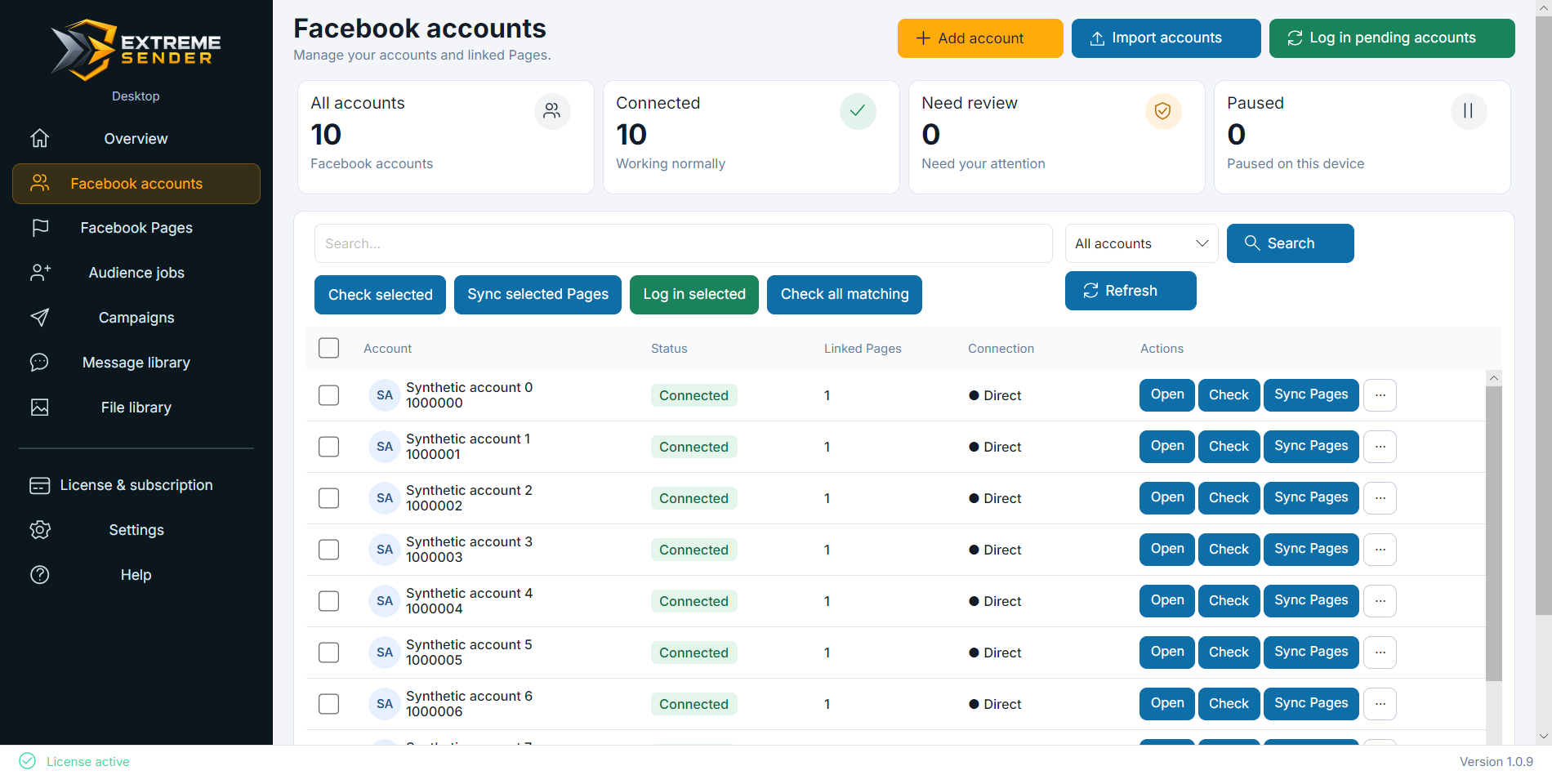

Keep campaign records and files on your computer, with backup and restore controls. Opening Desktop requires internet and the current version. After expiry, viewing and exporting remain available if that version is already installed; a required update needs renewal first.
Choose the language and appearance that help you work comfortably, from campaign setup to reviewing results.
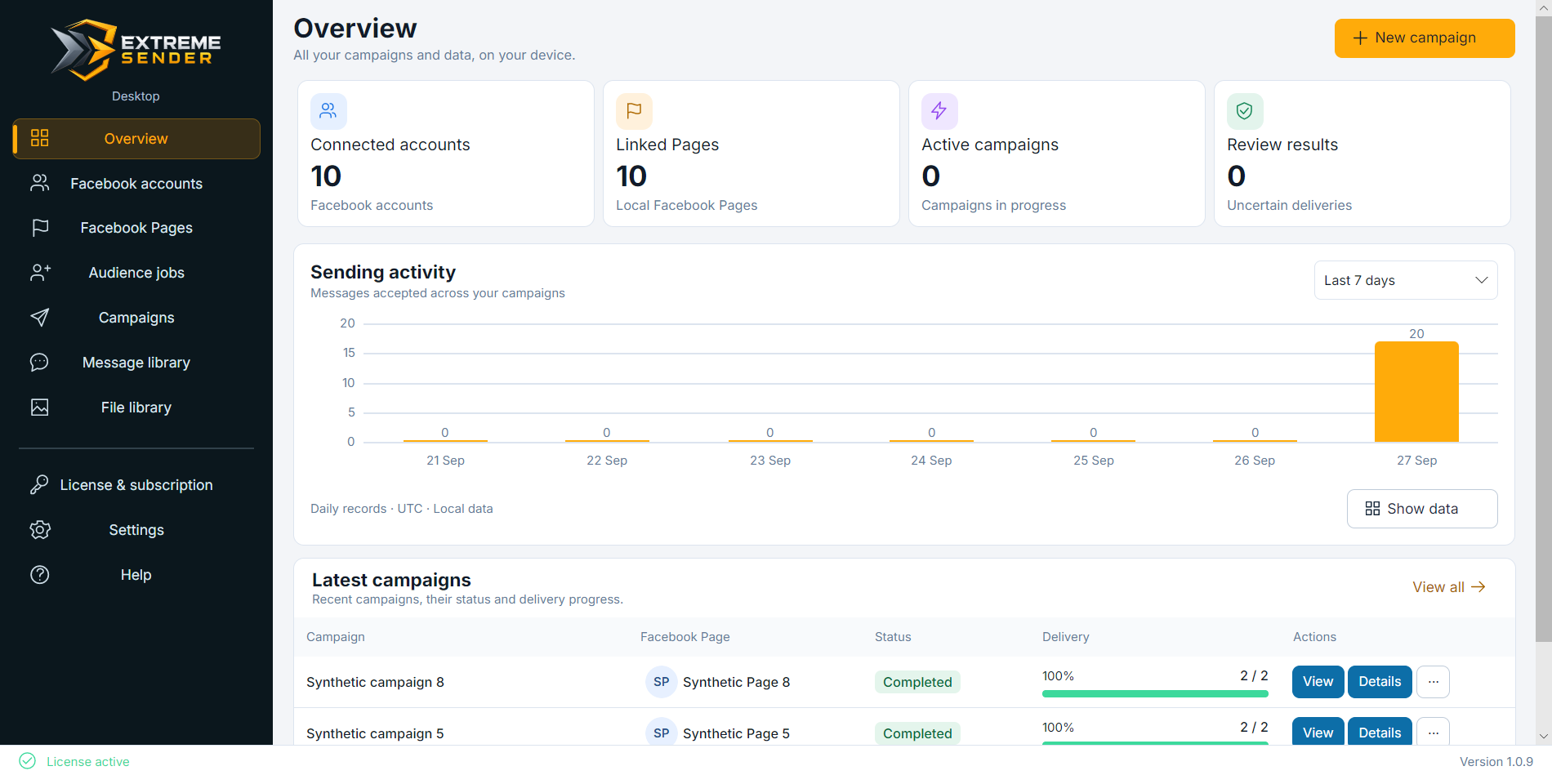
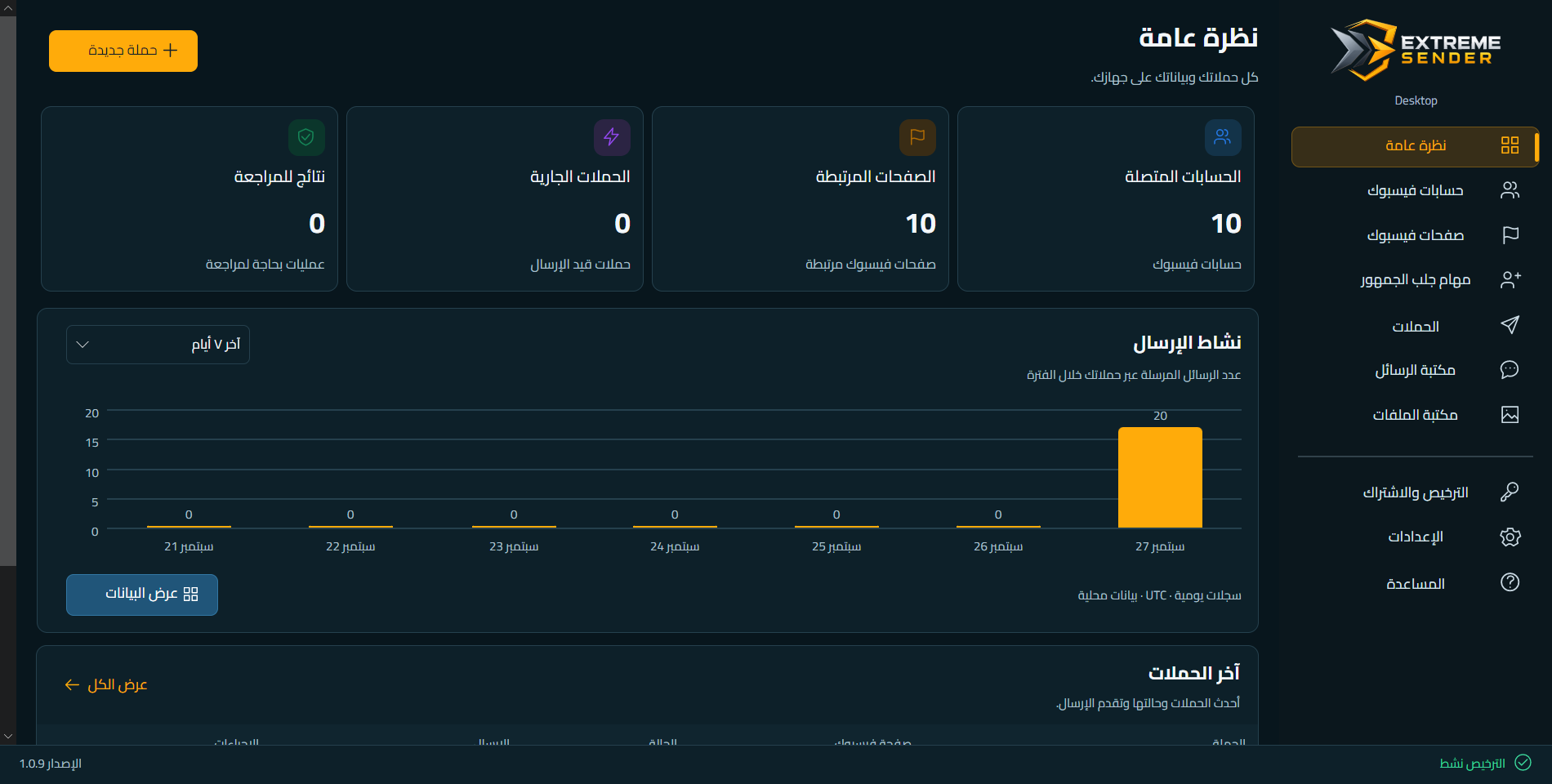
Choose monthly or annual access to reconnect with eligible Page conversations from one Windows device. There are no fixed in-app quotas on Facebook accounts, Pages, or messages.
Full Desktop access, paid one month at a time.
The same full access for the year, with less to pay than twelve monthly terms.
The Desktop offer is independent from Cloud and applies to one Windows device.
Not necessarily. Sending is for eligible existing conversations under Facebook rules. Following your Page alone is not enough.
The Desktop plan sets no fixed in-app quota for them. Actual sending remains subject to Facebook limits and the capacity of your device.
A Desktop subscription covers one activated Windows device at a time.
Sending stops. Viewing and exporting require internet and the current Desktop version already installed. If an update is required, renew before updating and opening the app. Keep backups before expiry.
Restore requires the original Windows user on the same computer. A backup does not transfer connected accounts to another device or a fresh Windows installation. Its audience, results and attachments may be readable: keep it private.
Keep Desktop running, the computer awake and connected to the internet. Closing the window keeps the app running; Exit, sleep or shutting down pauses local work. Avoid running the same Facebook account in Cloud and Desktop at the same time; their activity is not coordinated.
No. Desktop is an independent subscription for the Windows app.
Reconnect with eligible Page conversations when you have a relevant offer. Start with a Desktop plan, then download the Windows app from your subscription page.
Explore Desktop plans ↗