People who messaged your Pagecould be your next customers.
Someone saw your ad or post and messaged your Page. That interest does not have to end with one chat. Use Extreme Sender Cloud in your browser to share a relevant offer with eligible contacts and give them a reason to buy or return.
Actual sending in either edition depends on eligible conversations and Facebook rules. Desktop also depends on your device capacity.
AN AUDIENCE YOU ALREADY HAVE
Do not start every offer from zero.
You worked to bring people to your Page. Some asked questions and left; others may be ready to buy again. Reconnect through the conversations you can reach when you have an offer worth returning for.
01
▦
Start with people who know you
Return to conversations that already exist with your Page.
02
◉
Choose who you can reach
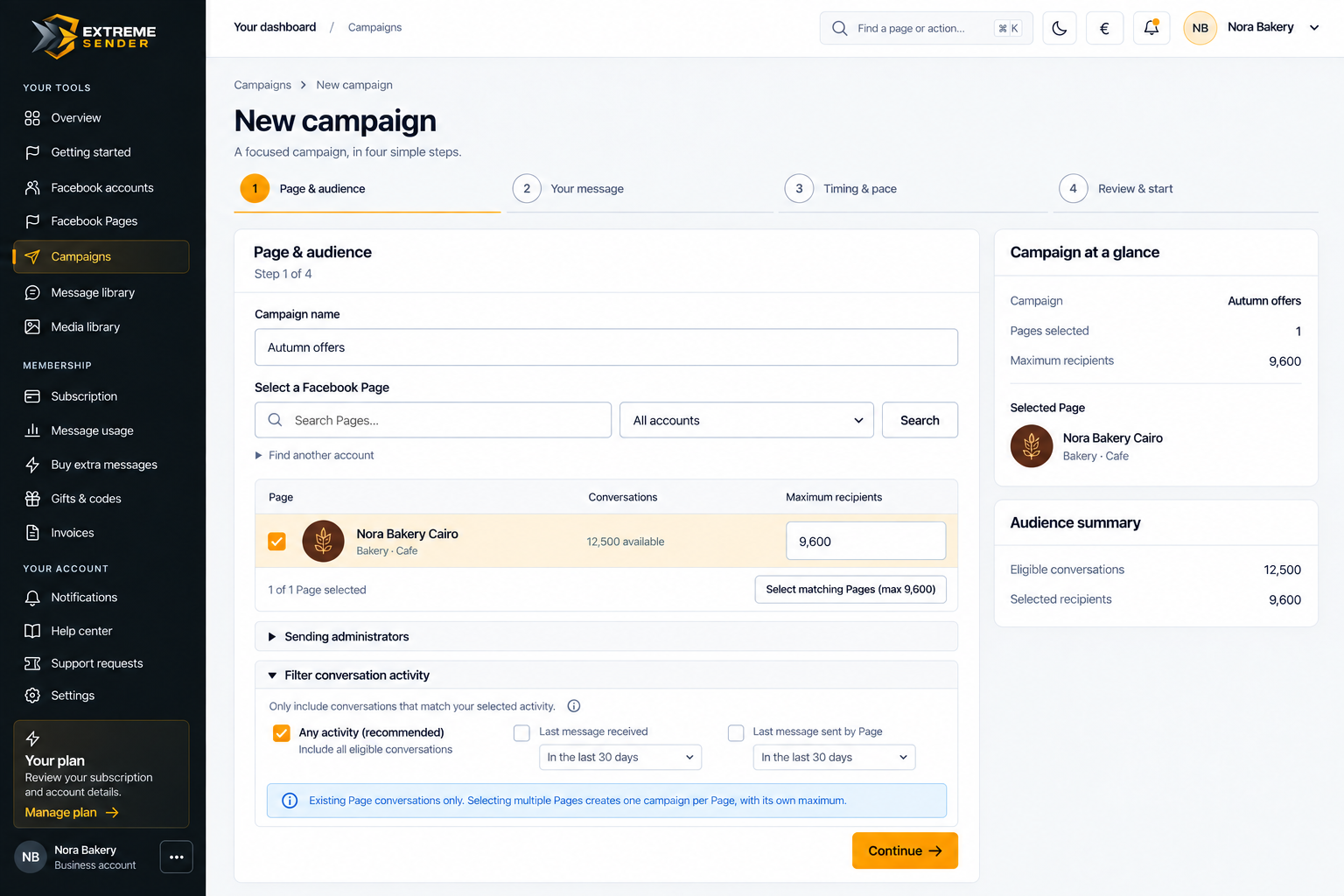
Select eligible conversations and review the audience before sending.
03
✎
Give them a reason to return
A new offer or product could lead to a first purchase or another one.
04
▥
Follow every campaign
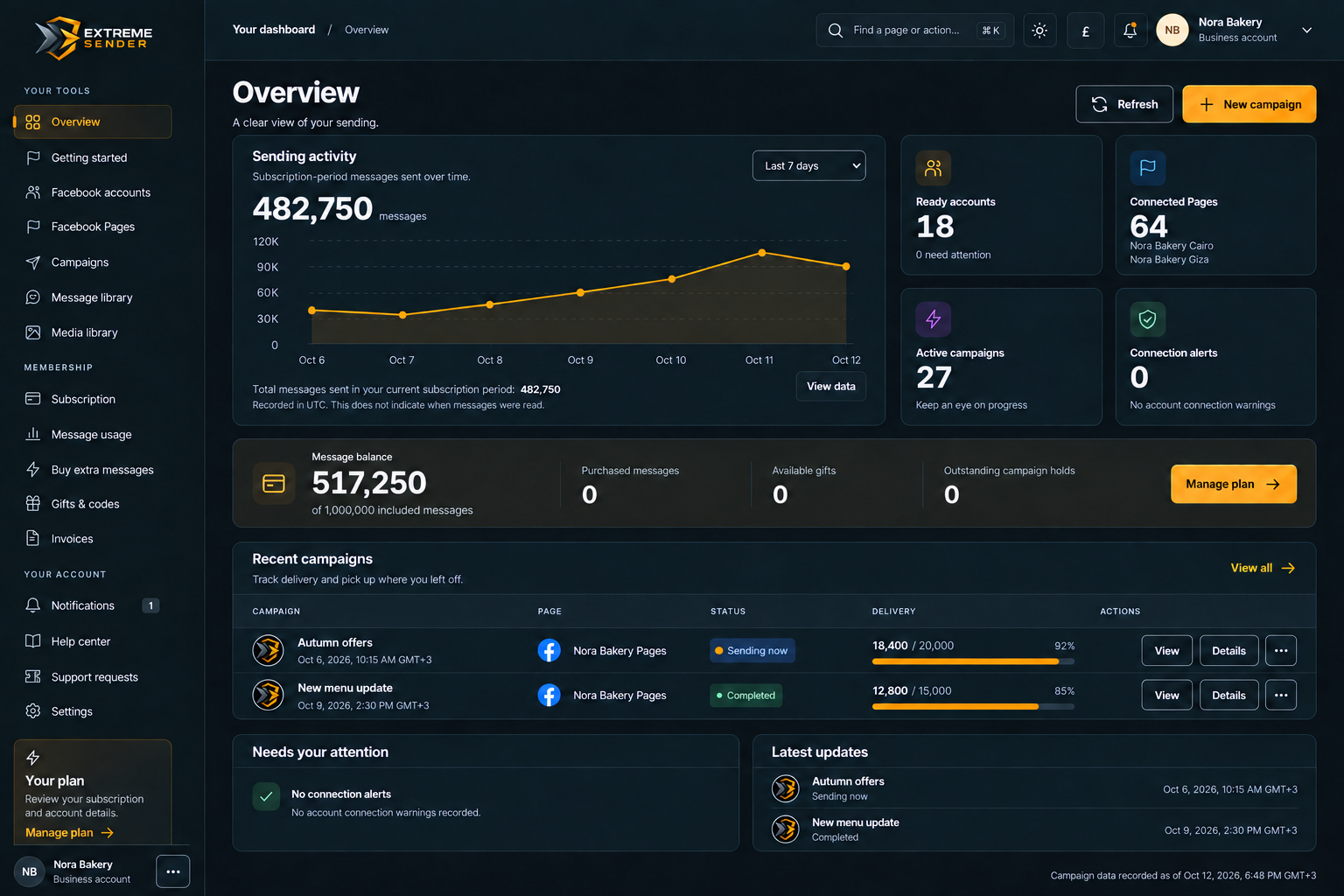
See sending progress and recorded outcomes before planning what is next.
FROM PAST INTEREST TO A NEW OFFER
Reconnect with people who know your Page in four steps.
Choose the Page and conversations you can reach, prepare your offer, set the time, and review everything before sending.
Choose Page and audienceSelect the Page and eligible conversations.
02
Prepare your offerWrite and preview a message about your offer or product.
03
Set the timeChoose when the campaign starts and adjust its settings.
04
Review and followCheck the details, then follow sending progress.
SEE THE APP
From your Pages to sending progress.
Choose the Page, prepare your offer, and follow sending progress in one place.
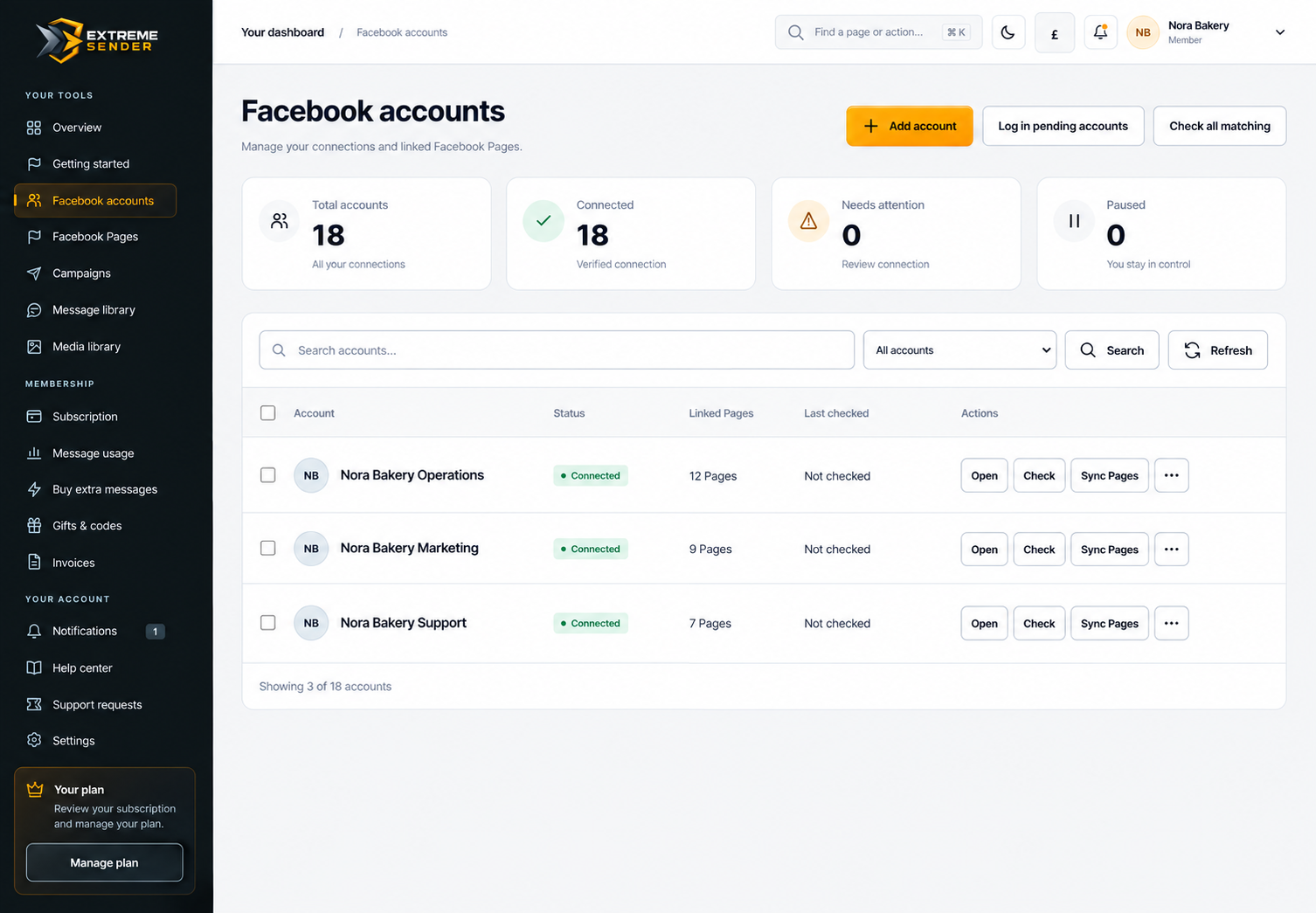
Start from the Page they messaged.
Check the Pages linked to your account and their connection state.
GET BACK TO YOUR DAY
Start the campaign. Get back to your day.
You do not need to leave the browser open after starting. Come back to check sending progress, or pause and resume when the campaign state allows.
✓Check sending progress anytime
✓Pause or resume when available
✓Return to each campaign record
◎
WHO CAN YOU MESSAGE?
Existing Page conversations, not every follower.
Choose eligible current conversations with your Page and review the audience before starting. The actual number you can reach depends on Facebook rules, your plan, and each conversation’s status.
Check the subscription price and message, account, and Page limits, then choose monthly or annual billing. Included messages refresh each subscription month, even on an annual subscription.
Standard
Monthly
$10/ month
Start month by month and reach back out when you have something new.
1,000,000 included messages each subscription month
Confirm the current price and all plan limits before subscribing. Full plan details
EXTREME SENDER DESKTOP
Reconnect with people who messaged your Pages, from your Windows app.
Choose eligible existing conversations and share a relevant offer with people who already showed interest. Extreme Sender Desktop brings your accounts, Pages, messages, and campaigns together without a fixed in-app quota.
Desktop has a separate subscription for one Windows device. Sending remains subject to Facebook rules and device capacity.
BEFORE YOUR FIRST CAMPAIGN
A few things to know before reconnecting.
Who can you message? How does the allowance renew? Do you need to keep the browser open?
Can I message everyone who contacted my Page?
Not necessarily. Sending is only for eligible current conversations under Facebook rules and your plan limits. Following your Page alone is not enough.
Must I keep the browser open?
No. Work continues after launch, and you can return to follow progress.
Does an annual plan grant all messages upfront?
No. Included messages refresh each subscription month; unused messages do not roll over.
Is Cloud the same subscription as Desktop?
No. Each edition has an independent subscription and its own plan limits.
CONVERSATIONS WORTH RETURNING TO
Do not let their interest end with one message.
Share a new offer with eligible contacts. Each campaign is a chance to open a first sale or give a past customer a reason to return.