STEP BY STEP
From your first visit
to your first campaign
Explore the illustrated guides before creating your account.
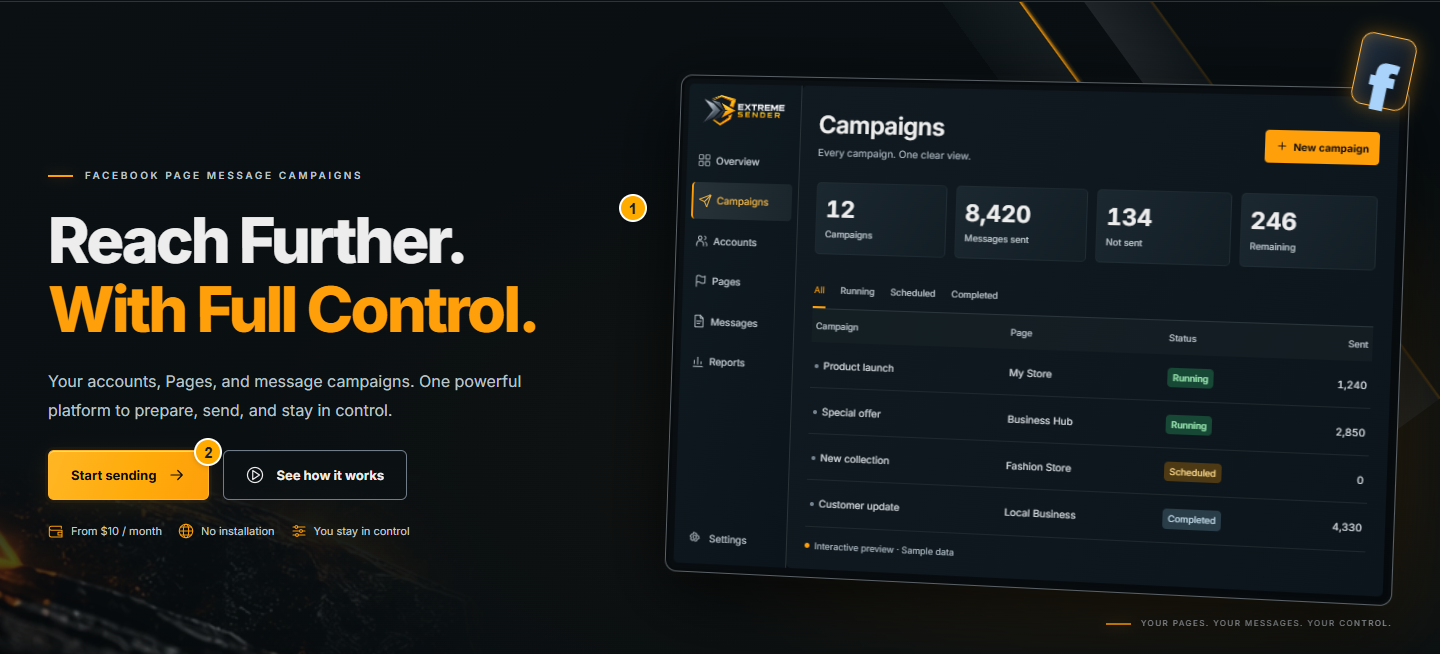
Create an account and verify email
Start at the website, create your login, then confirm that the email address belongs to you.
 Read the illustrated guide
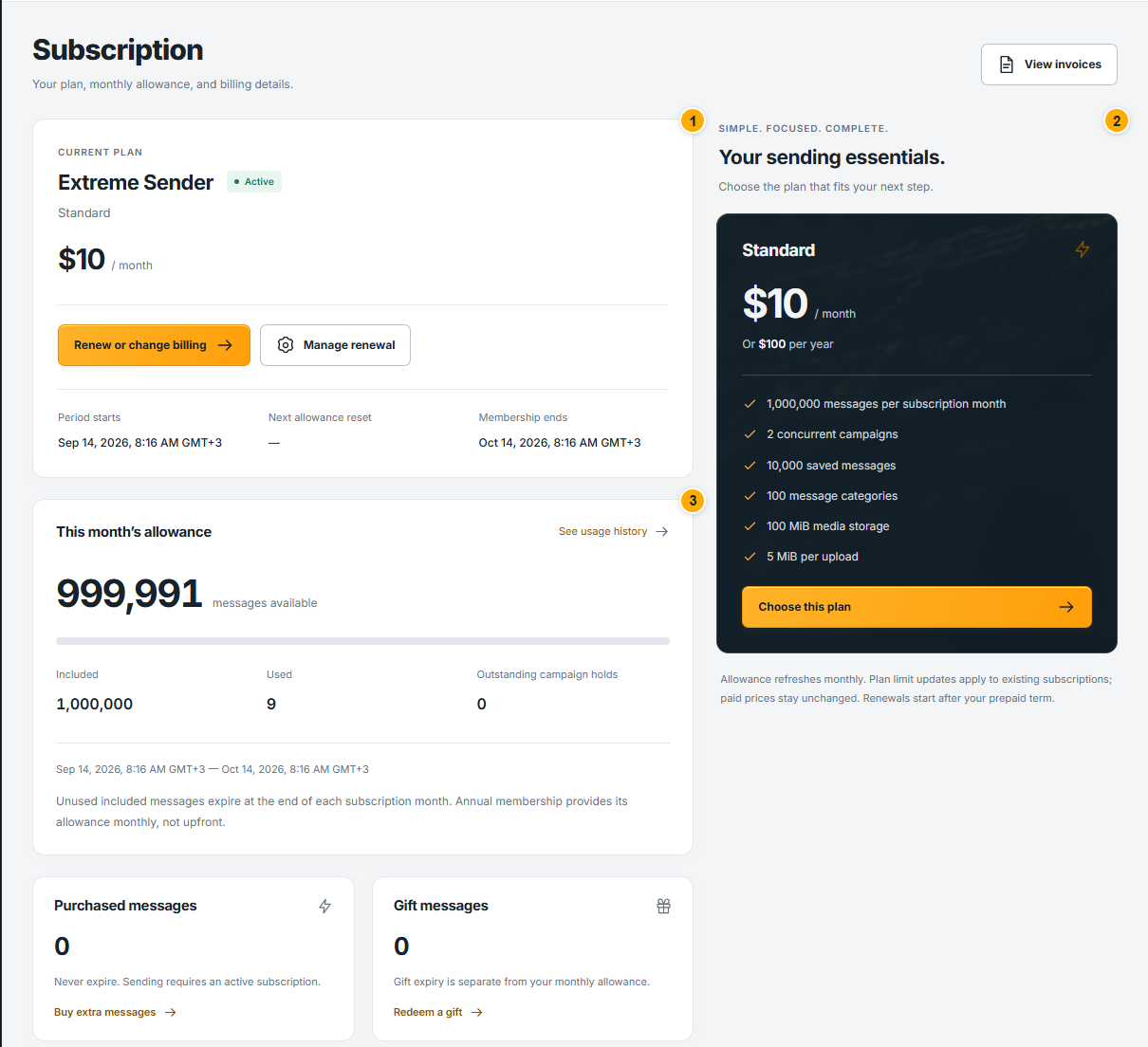
 Activate your subscription
Review the current plan and checkout total, then verify activation in your account.
 Read the illustrated guide
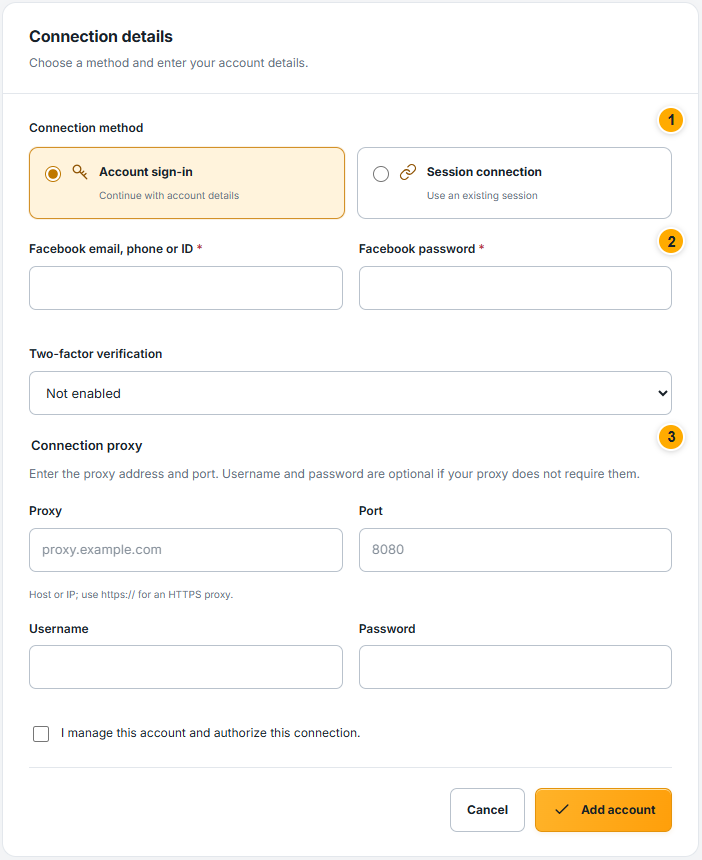
 Connect your Facebook account
Connect an account that administers your Pages and check its actual connection state.
 Read the illustrated guide
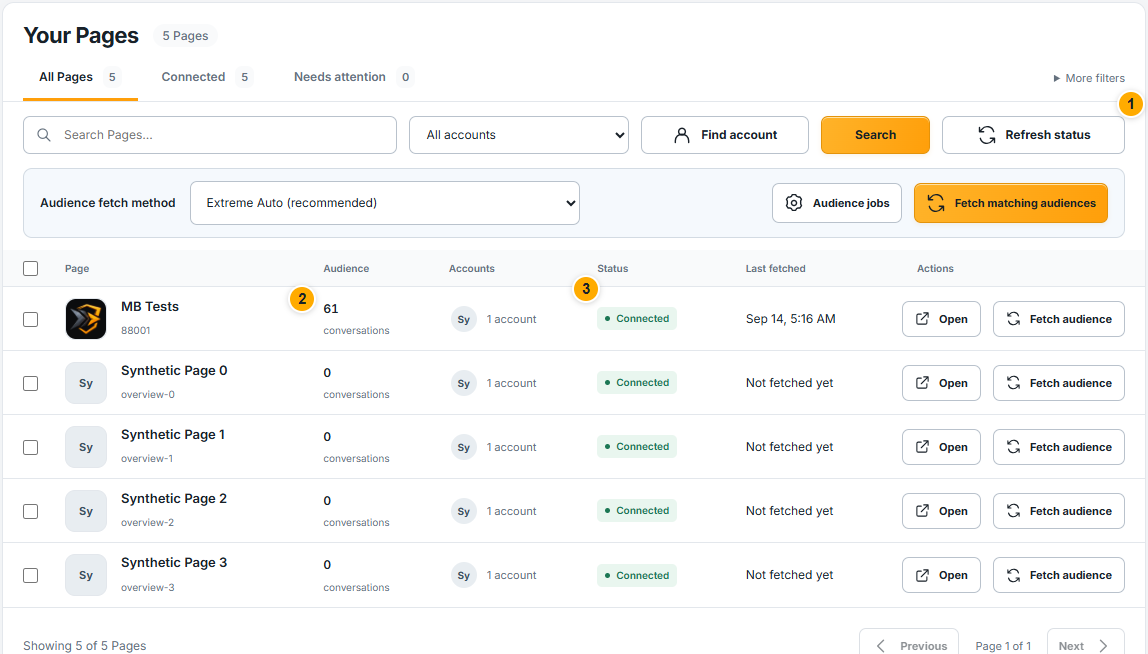
 Review Pages and administrators
Identify the correct Page and the accounts available to manage it.
 Read the illustrated guide
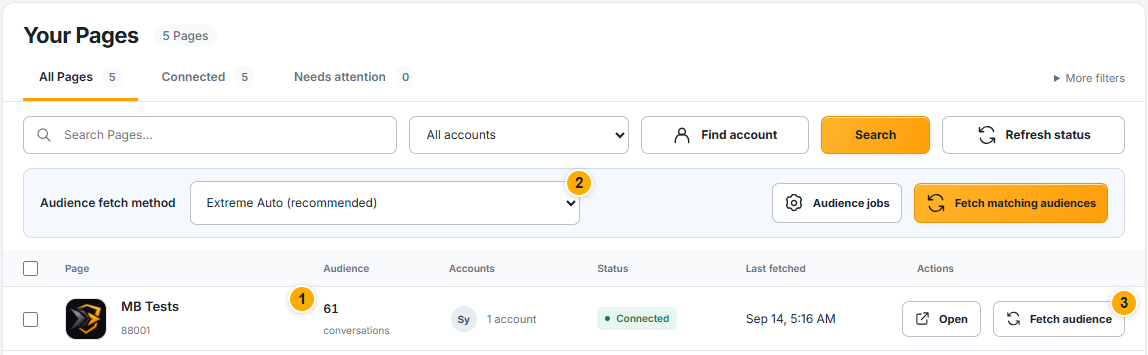
 Prepare your Page audience
Fetch existing conversations, then check the result before your first campaign.
 Read the illustrated guide
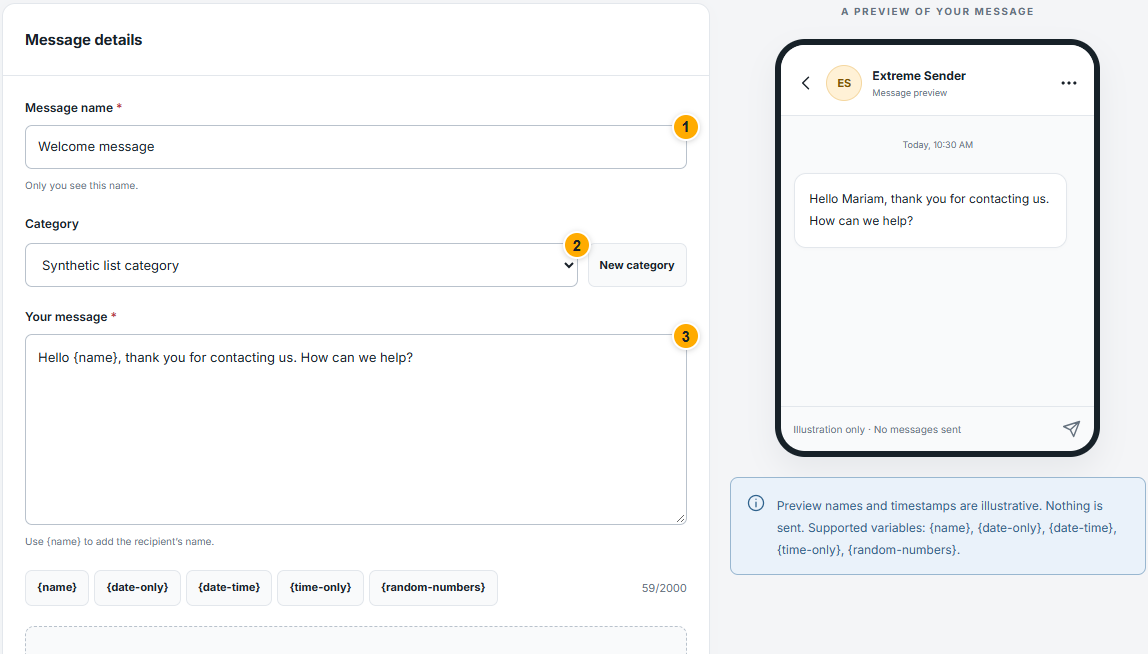
 Prepare your message and attachments
Save reusable content, personalize it and inspect the preview before using it.
 Read the illustrated guide
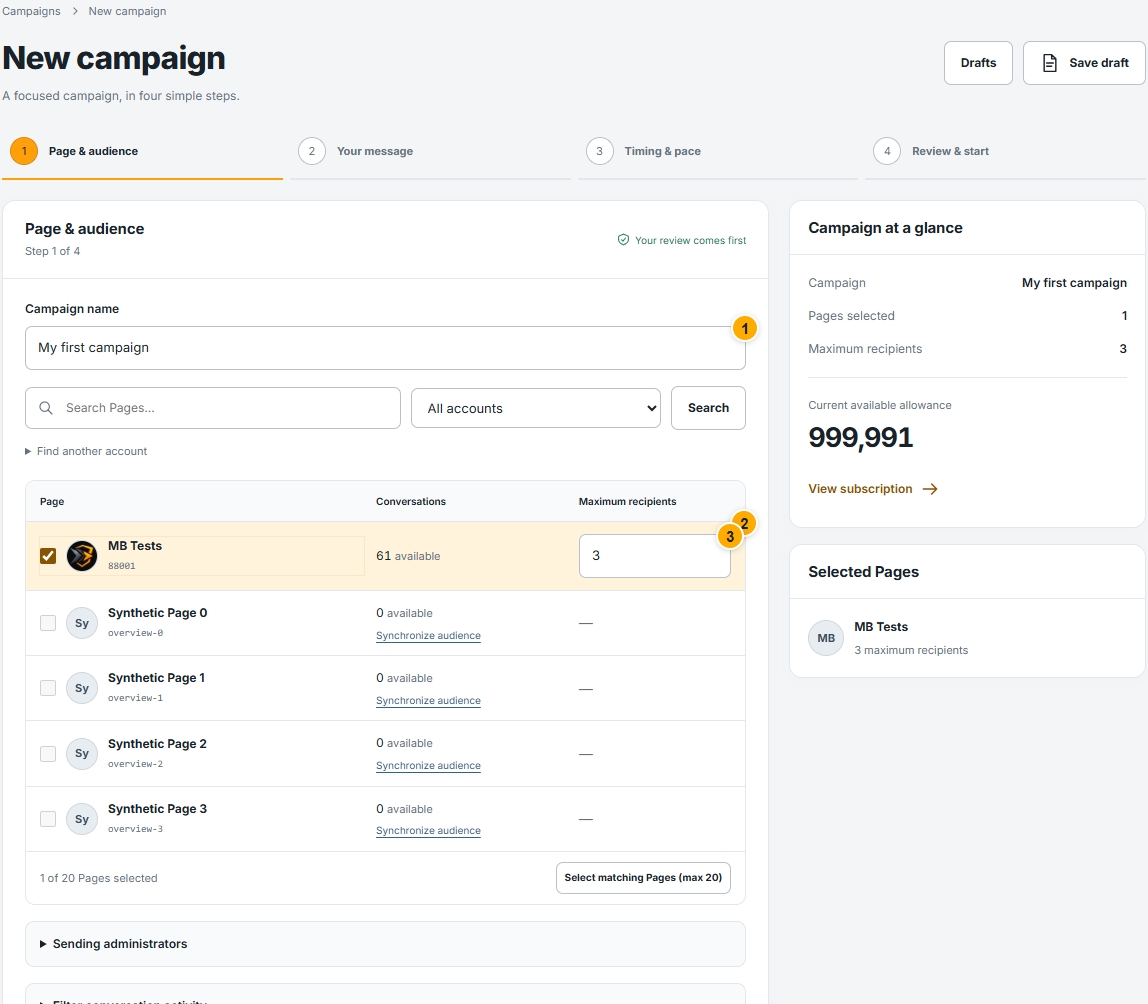
 Launch your first campaign
Follow the four composer steps: audience, message, timing, then final review.
 Read the illustrated guide
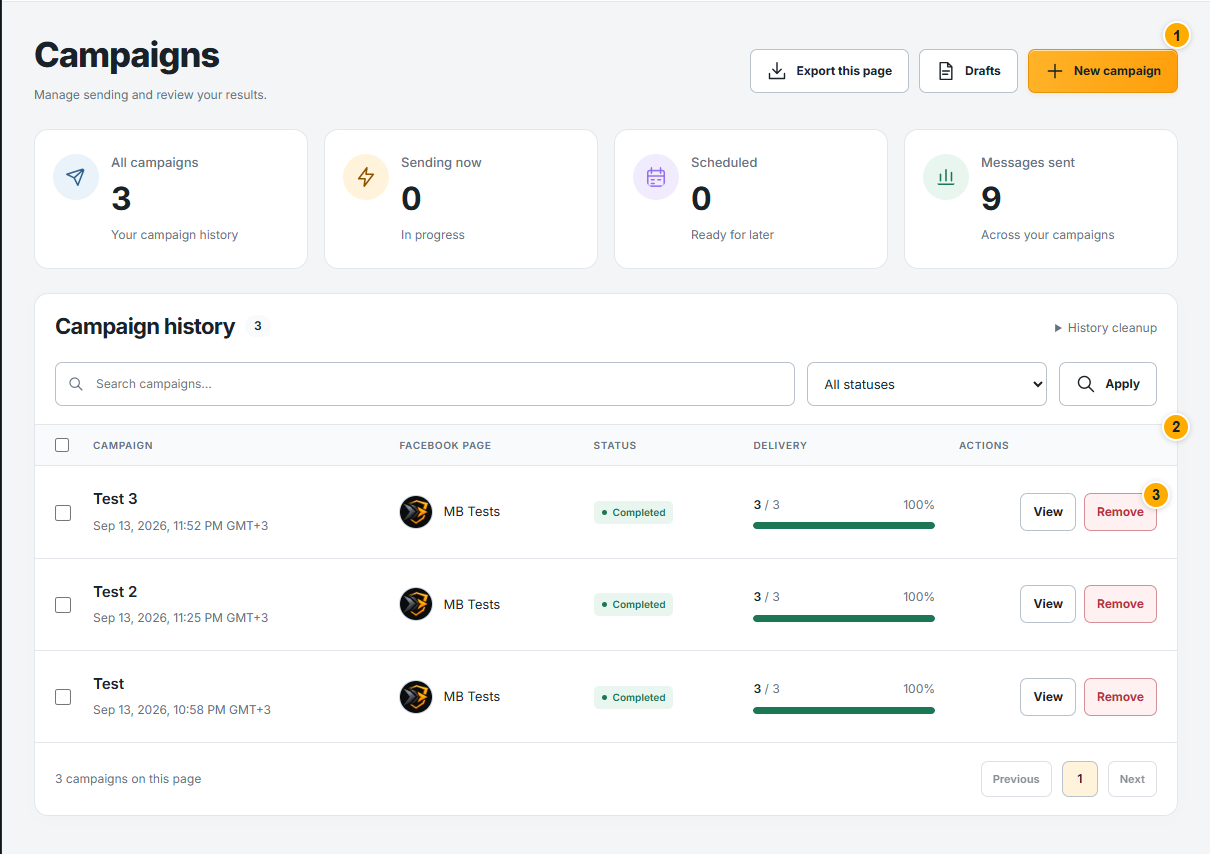
 Review your campaign results
Read status, delivery totals and recipient results without confusing delivery with engagement.
 Read the illustrated guide
 Understand your dashboard
Read your account, campaign and balance summary.
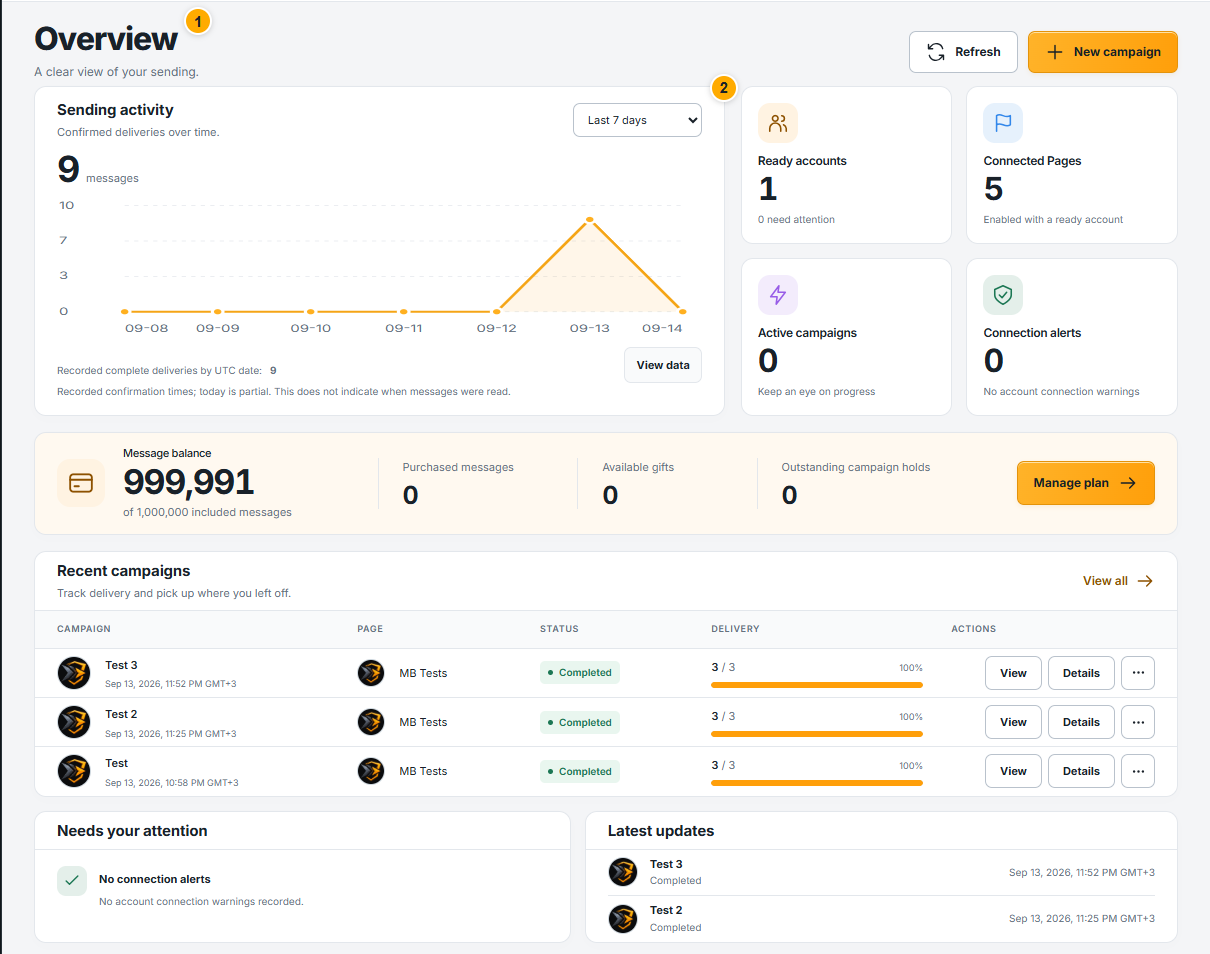 Read the illustrated guide
 Subscription and billing
Understand monthly allowance, renewal and payment status.
Read the illustrated guide Track message usage
See where points were used and reserved.
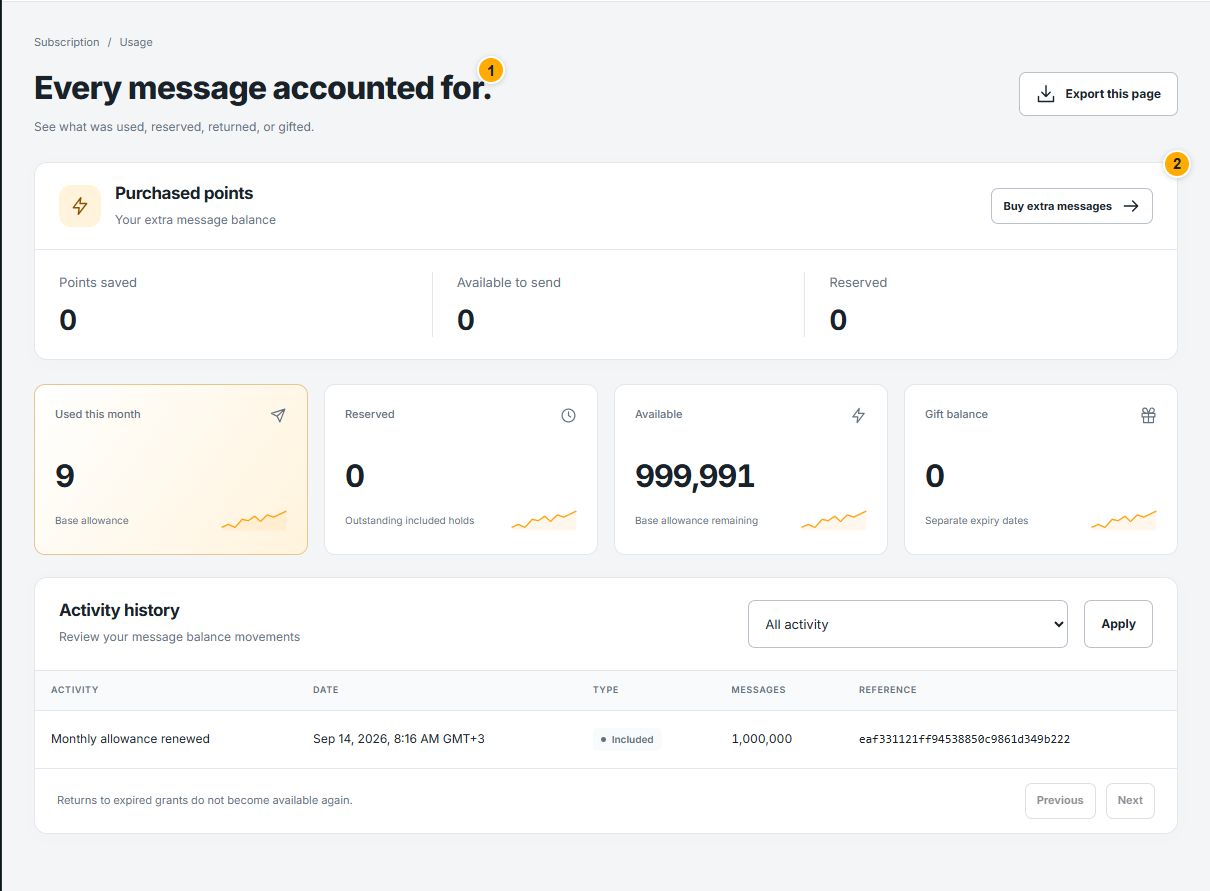 Read the illustrated guide
 Redeem gifts and use coupons
Check a code and understand what it gives you.
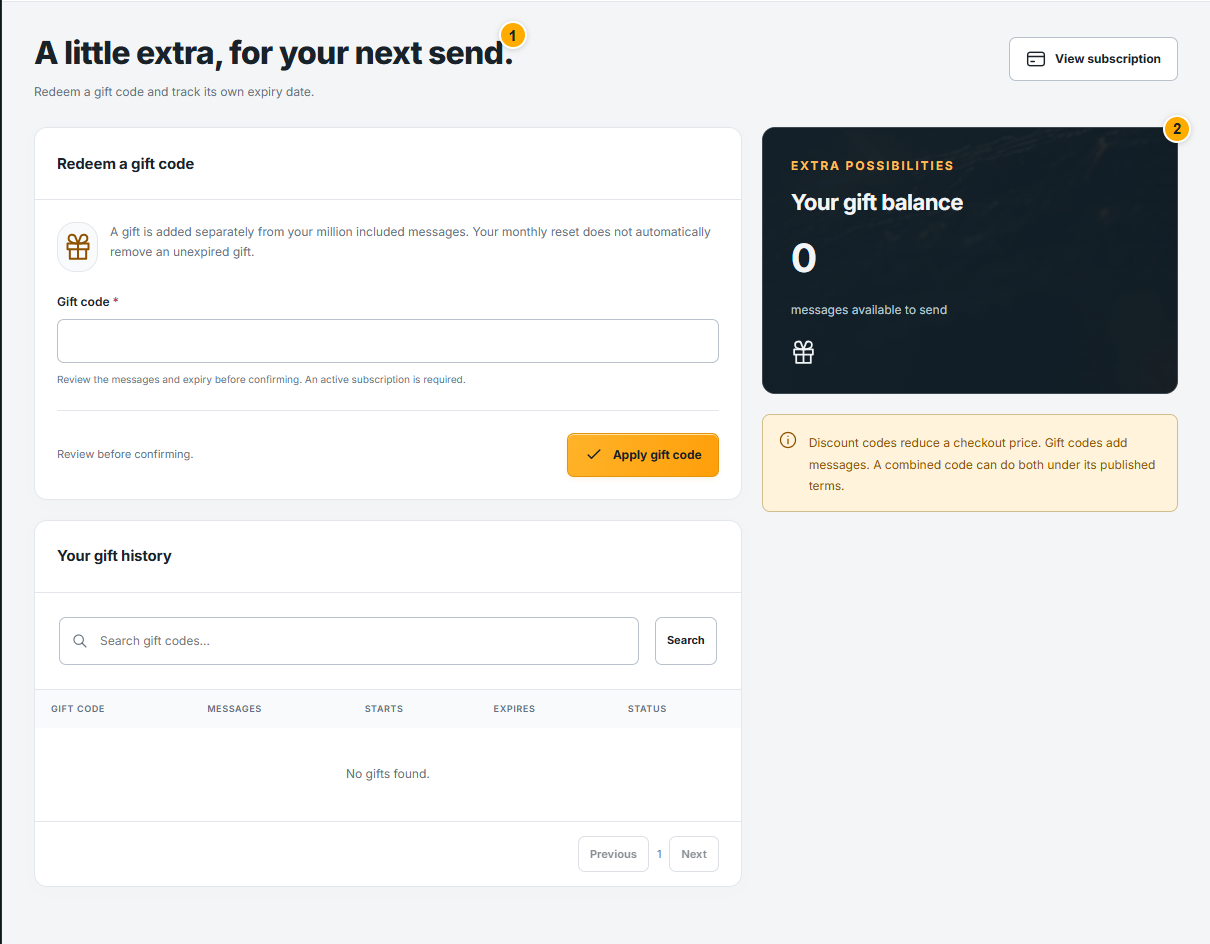 Read the illustrated guide
 Buy extra messages
Choose a one-time points package.
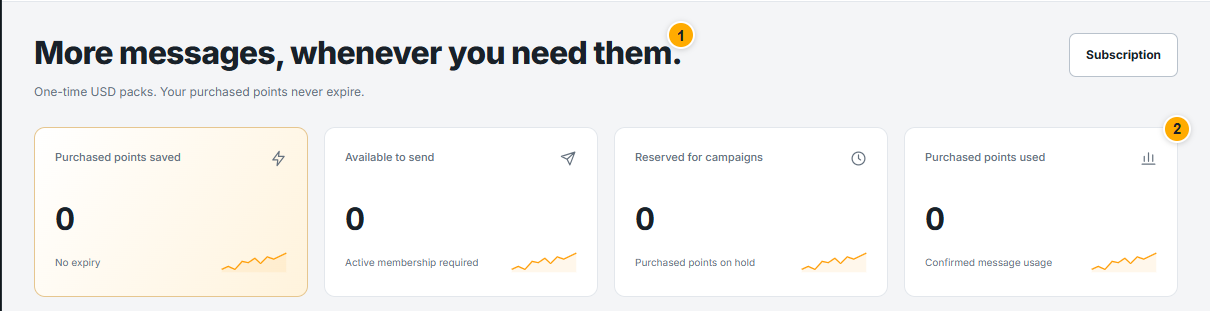 Read the illustrated guide
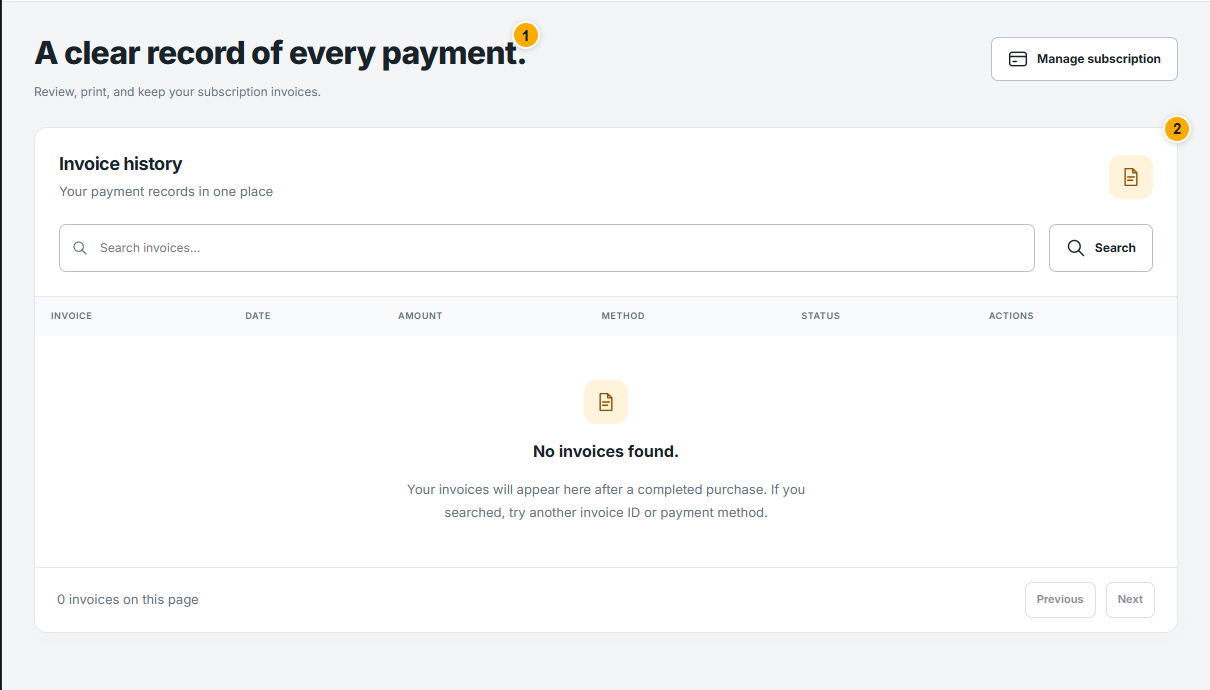
 Find invoices and payment records
Keep a clear record of confirmed purchases.
 Read the illustrated guide
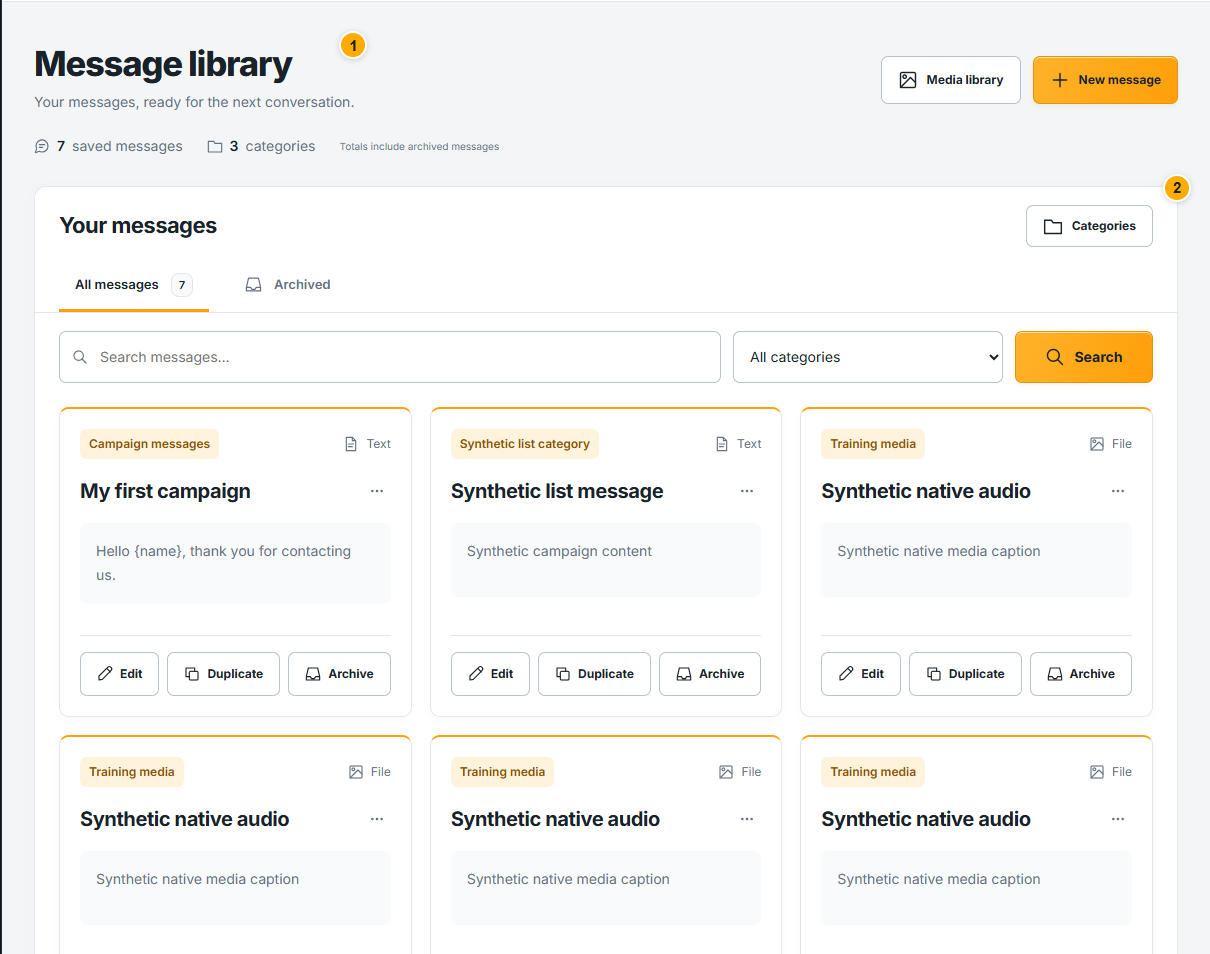
 Organize saved messages
Find, preview, edit and categorize reusable content.
 Read the illustrated guide
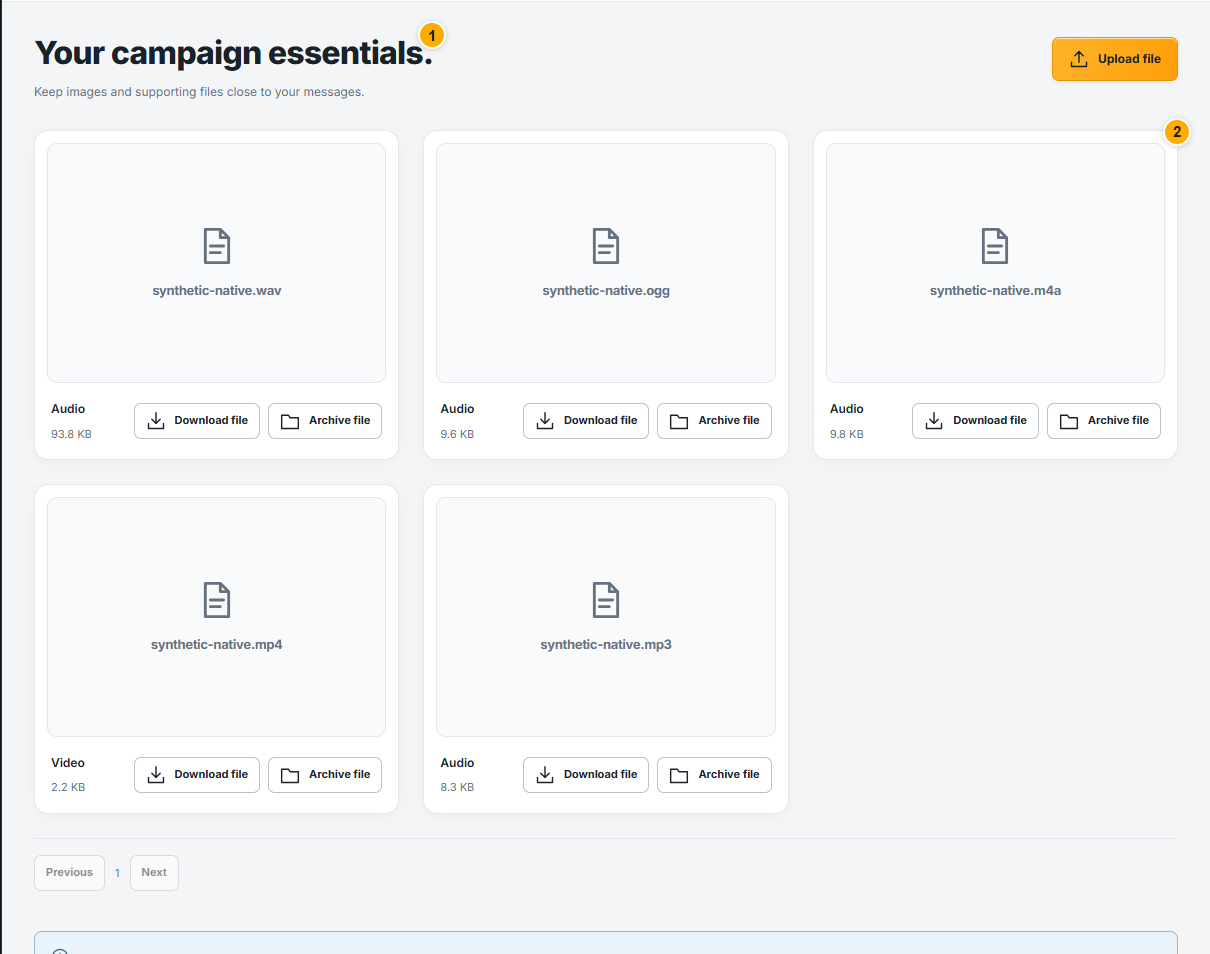
 Manage images and attachments
Prepare media before adding it to a message.
 Read the illustrated guide
 Drafts, schedules and campaign controls
Know what each campaign action changes.
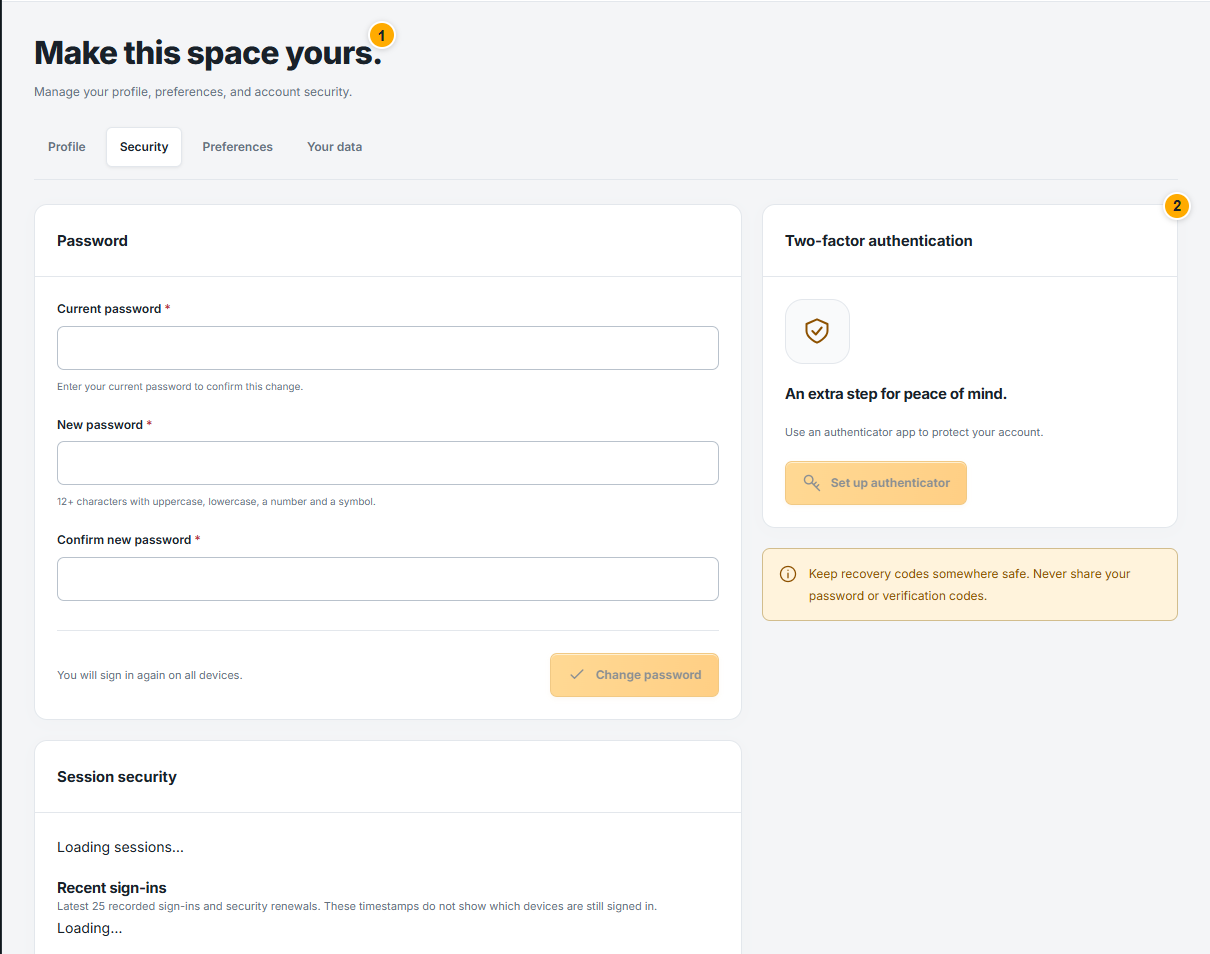
Read the illustrated guide Account security and connection recovery
Protect sign-in and resolve connection problems.
 Read the illustrated guide
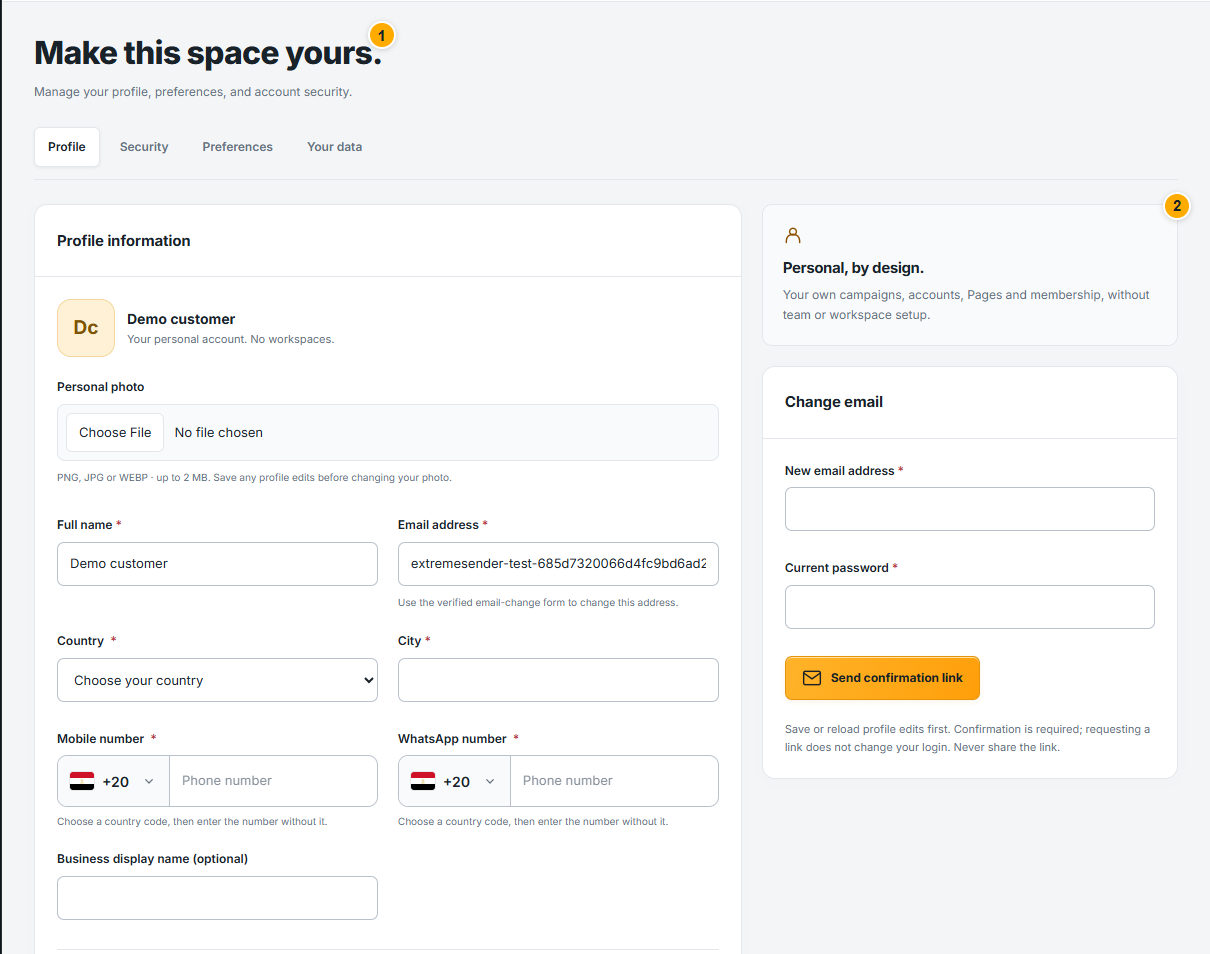
 Update your profile
Keep your customer details accurate.
 Read the illustrated guide
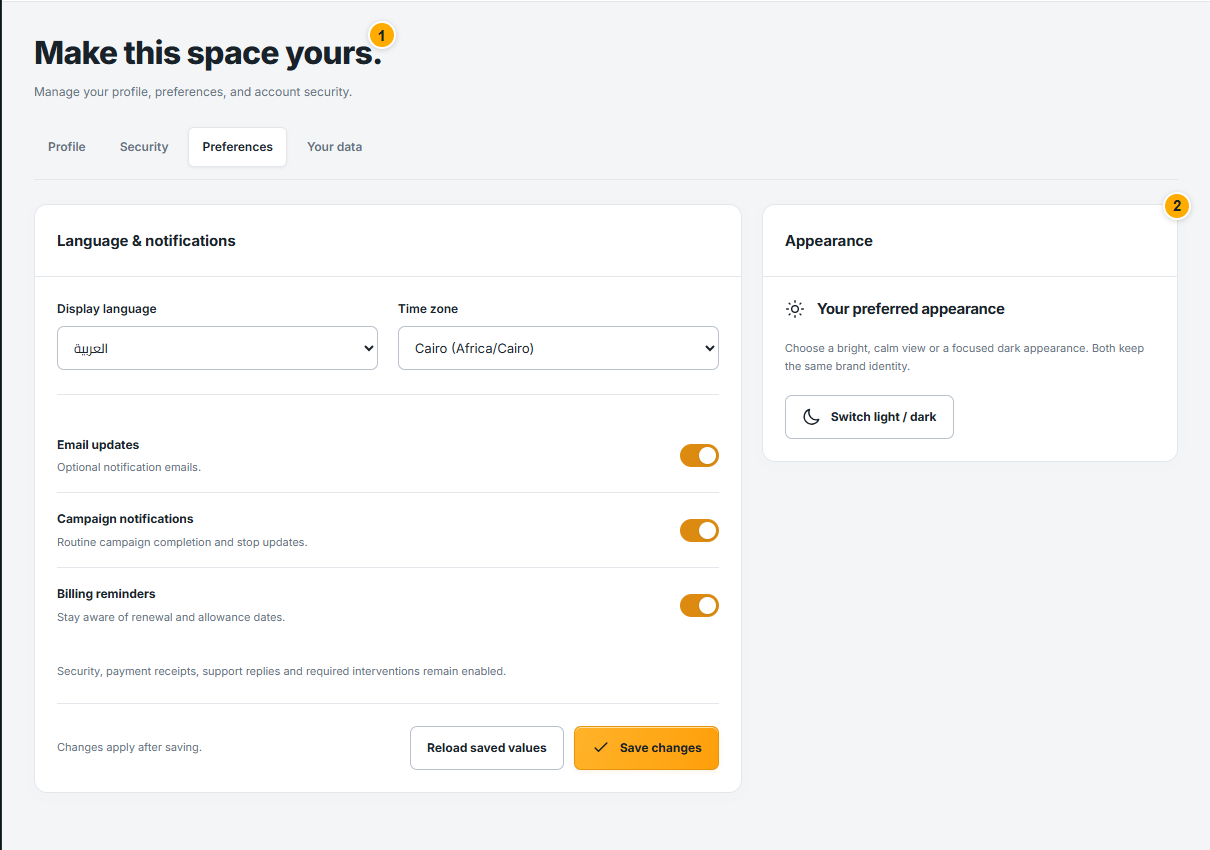
 Language, appearance and notifications
Choose Arabic or English and your display preferences.
 Read the illustrated guide
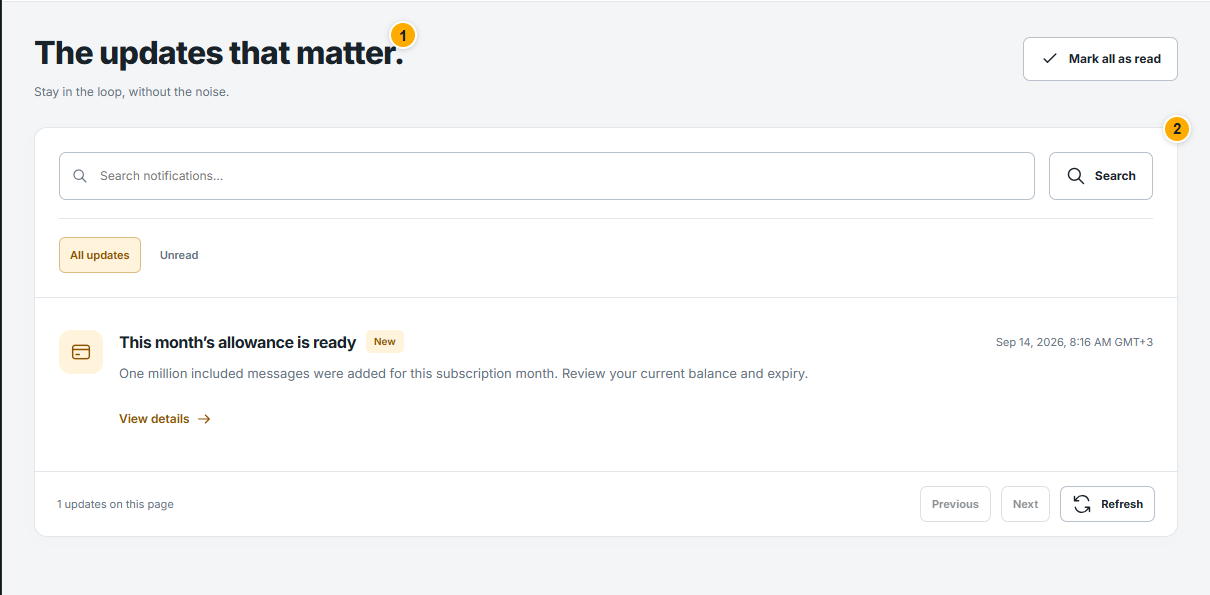
 Read and manage notifications
Follow important updates without losing context.
 Read the illustrated guide
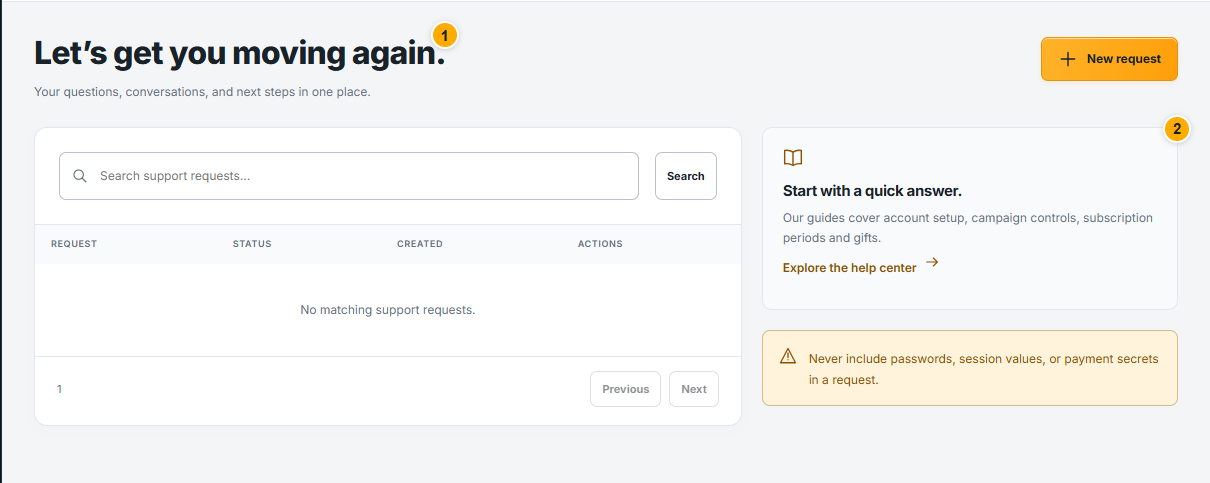
 Get useful help from support
Send a clear request and follow the conversation.
 Read the illustrated guide
 Export and manage your data
Understand export requests and deletion controls.
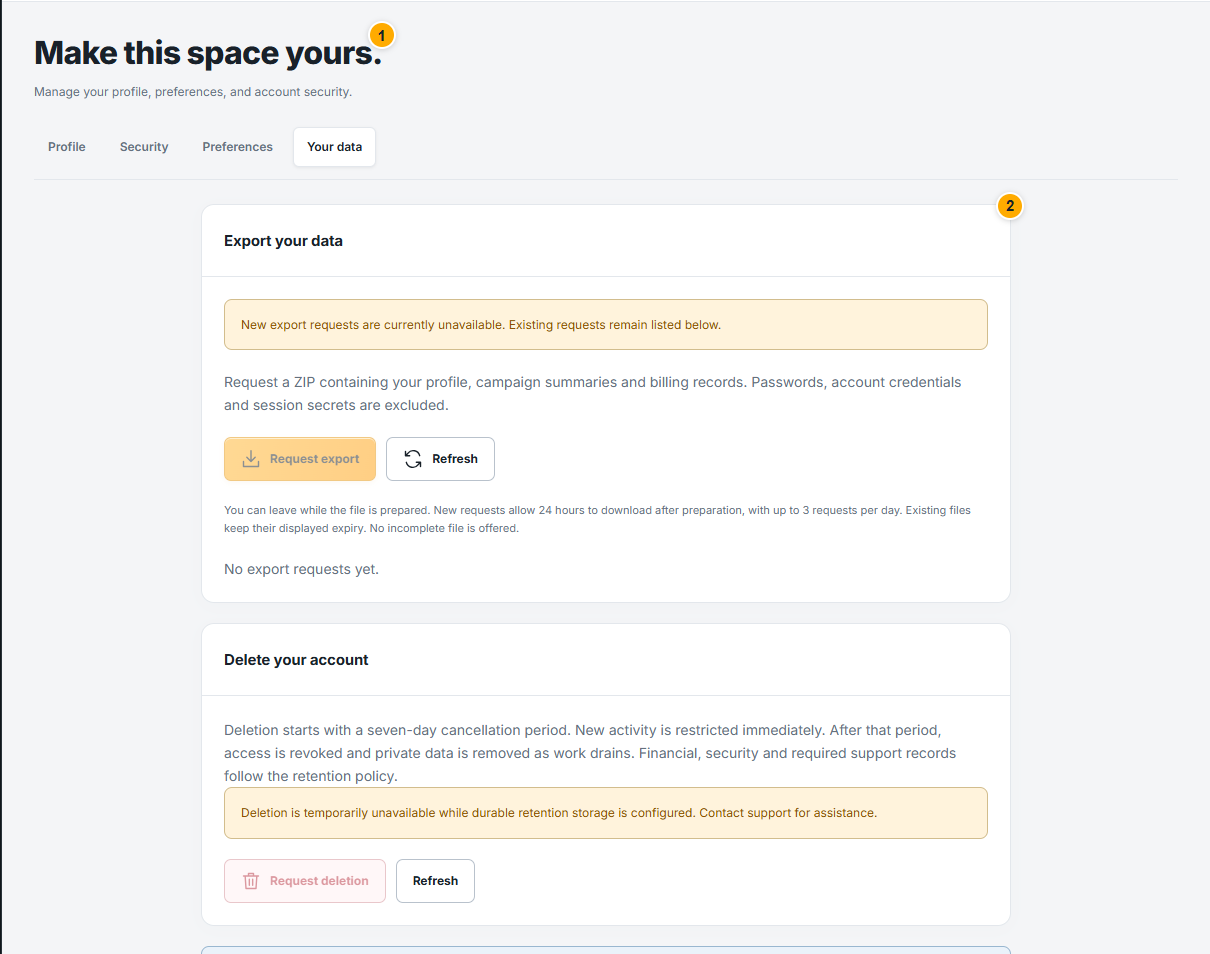 Read the illustrated guide
 TWO WAYS TO RECONNECT
Choose how you want to work.
Use Web in your browser, or explore the independent Desktop app for Windows.