
Export and manage your data
Understand export requests and deletion controls.
Before you start
Sign in to your own customer account.
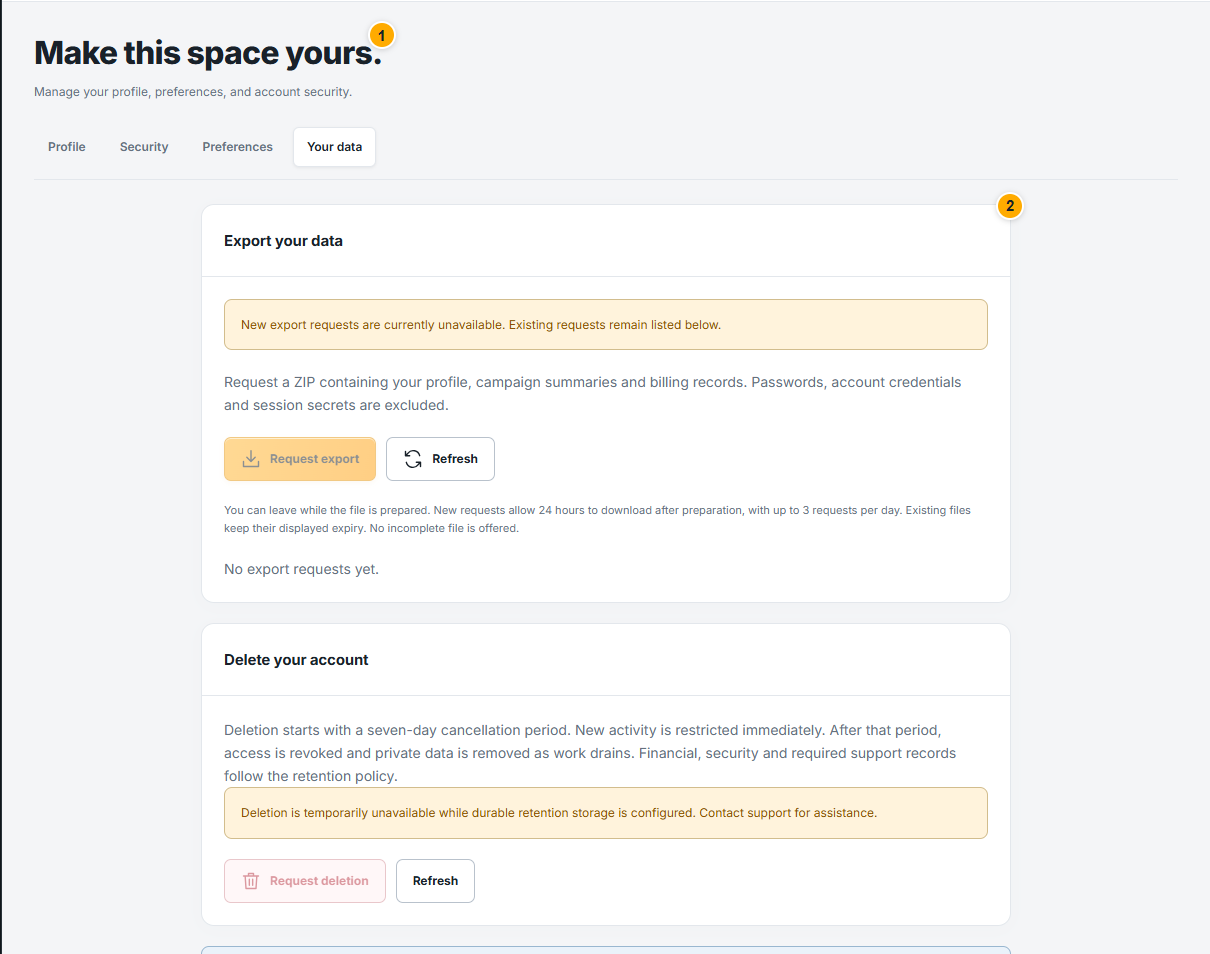 Screenshot from a demo account · Open full size
- 1
Open Settings → Your data. If exports are available, request a ZIP and wait for it to be prepared; you can leave this page meanwhile.
- 2
Refresh the request list and download only when Ready. Use the displayed expiry; files are not offered while incomplete, and credentials are excluded.
- 3
Read the deletion information carefully before requesting account deletion. Complete its confirmation only when you intend the described effect.
Expected result
You can follow the request status and make an informed data choice.