
Find invoices and payment records
Keep a clear record of confirmed purchases.
Before you start
Sign in to your own customer account.
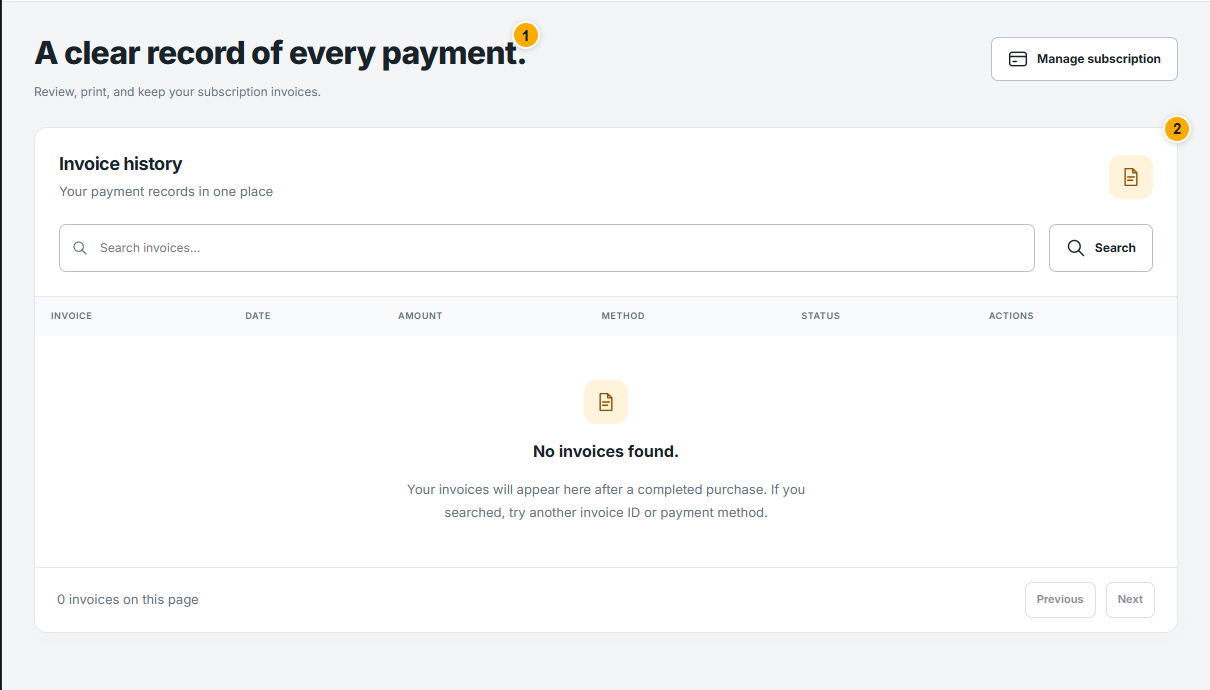 Screenshot from a demo account · Open full size
- 1
Open Invoices and find the relevant order using the displayed date, amount and status. An empty list means no invoices are currently listed.
- 2
Open an invoice to review its reference, items, currency and totals. Use the download or print action when available.
- 3
If something differs from your payment, send support the order reference and a description. Hide full card details and payment secrets from attachments.
Expected result
You can locate the correct purchase record for your request.