
Organize saved messages
Find, preview, edit and categorize reusable content.
Before you start
Sign in to your own customer account.
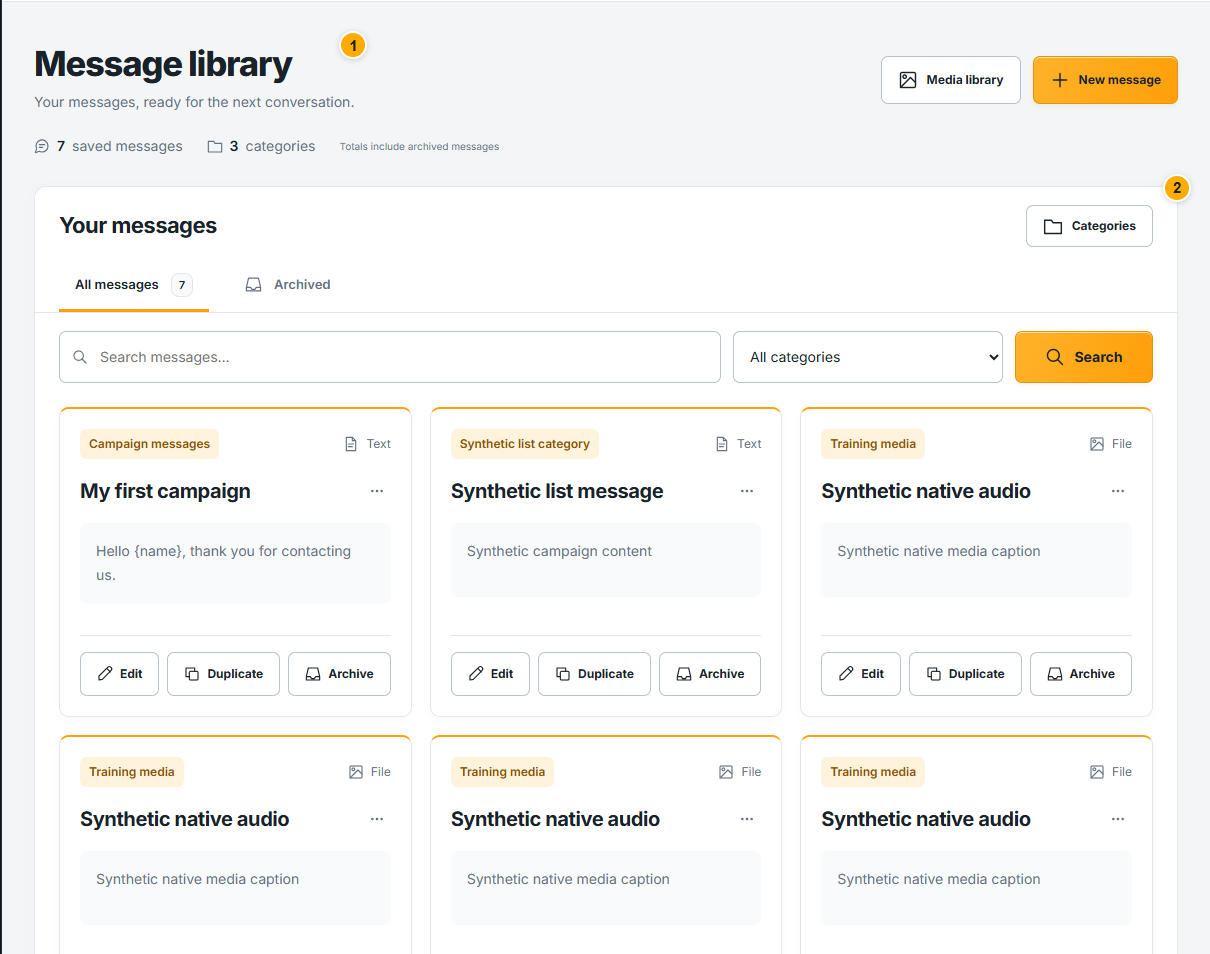 Screenshot from a demo account · Open full size
- 1
Search by message name and use the category and archive filters to narrow the library.
- 2
Open a message to inspect its text and attachments. Edit and save deliberately; verify personalized fields in the preview.
- 3
Use Categories to organize content and the available message actions to archive old items. Before launching, review the version selected for that campaign.
Expected result
The library is organized and the intended message is easy to select.