
Account security and connection recovery
Protect sign-in and resolve connection problems.
Before you start
Sign in to your own customer account.
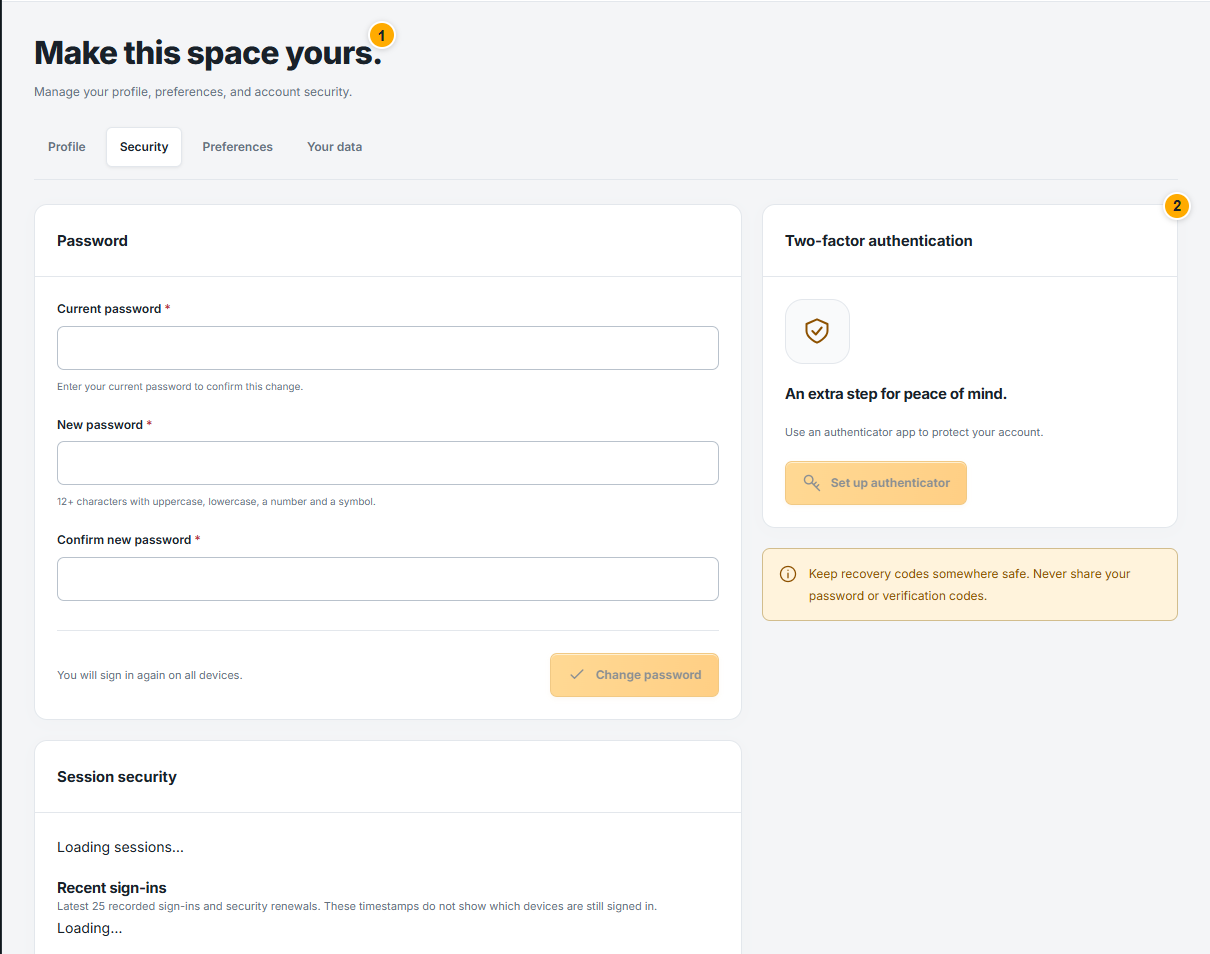 Screenshot from a demo account · Open full size
- 1
Use Security settings to review two-factor authentication and active sessions. Keep recovery codes privately; never attach them to a support request.
- 2
Review unfamiliar sessions and use the available revoke controls. Password changes and sensitive settings can require reauthentication.
- 3
For a Facebook connection warning, open Facebook accounts, inspect that account and complete the requested login or verification. Check its status again before sending.
Expected result
Your own sign-in is protected and connection problems have a clear next action.