
Drafts, schedules and campaign controls
Know what each campaign action changes.
Before you start
Sign in to your own customer account.
 Screenshot from a demo account · Open full size
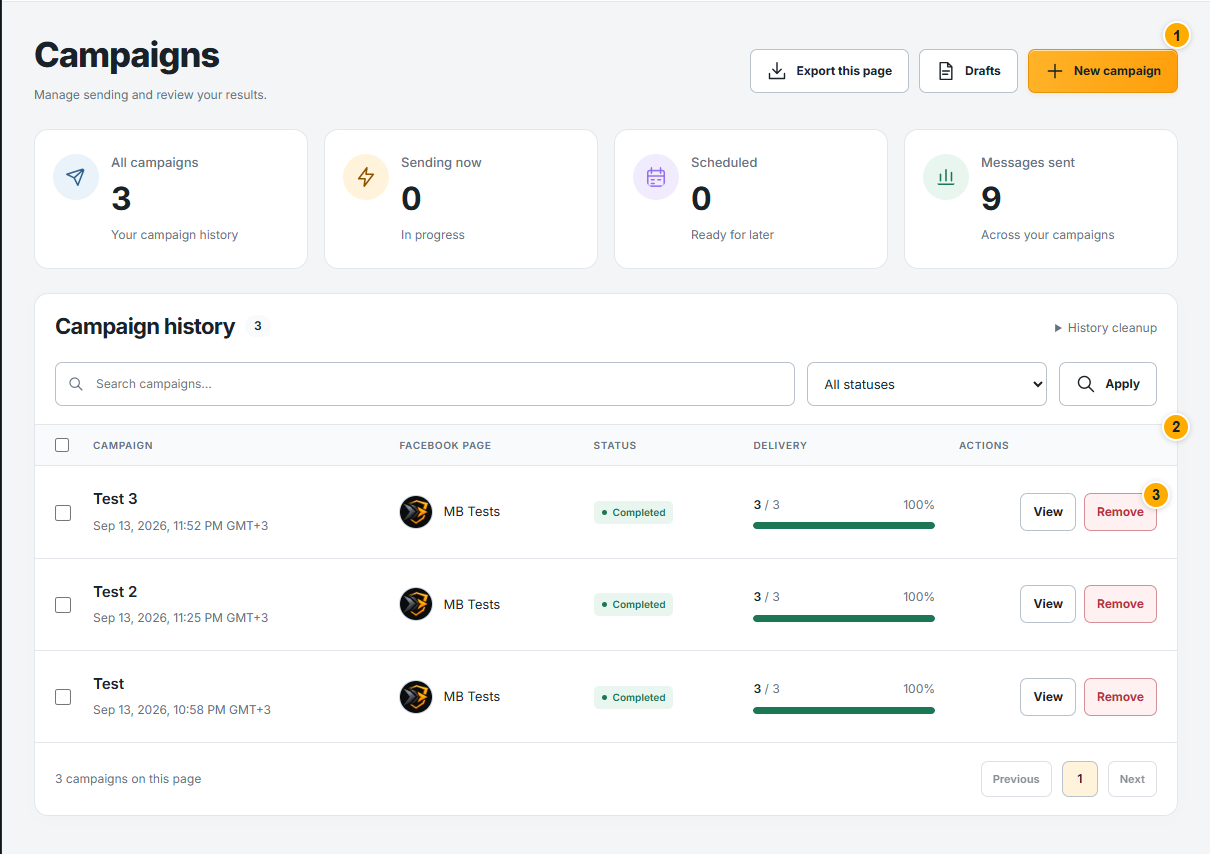
- 1
Open Drafts to continue an unfinished composer. Saving a draft does not launch a campaign; review all four steps when you resume.
- 2
For scheduled campaigns, verify start time and time zone. Read the current status before using any available reschedule or cancellation control.
- 3
Pause stops further work when the system reaches a safe stopping point. Resume continues eligible work; Stop ends further sending. Previously sent messages cannot be recalled.
Expected result
You choose an action using the current campaign status and its confirmation.
An unconfirmed delivery may already have reached the recipient. Do not create a replacement campaign blindly.