
Update your profile
Keep your customer details accurate.
Before you start
Sign in to your own customer account.
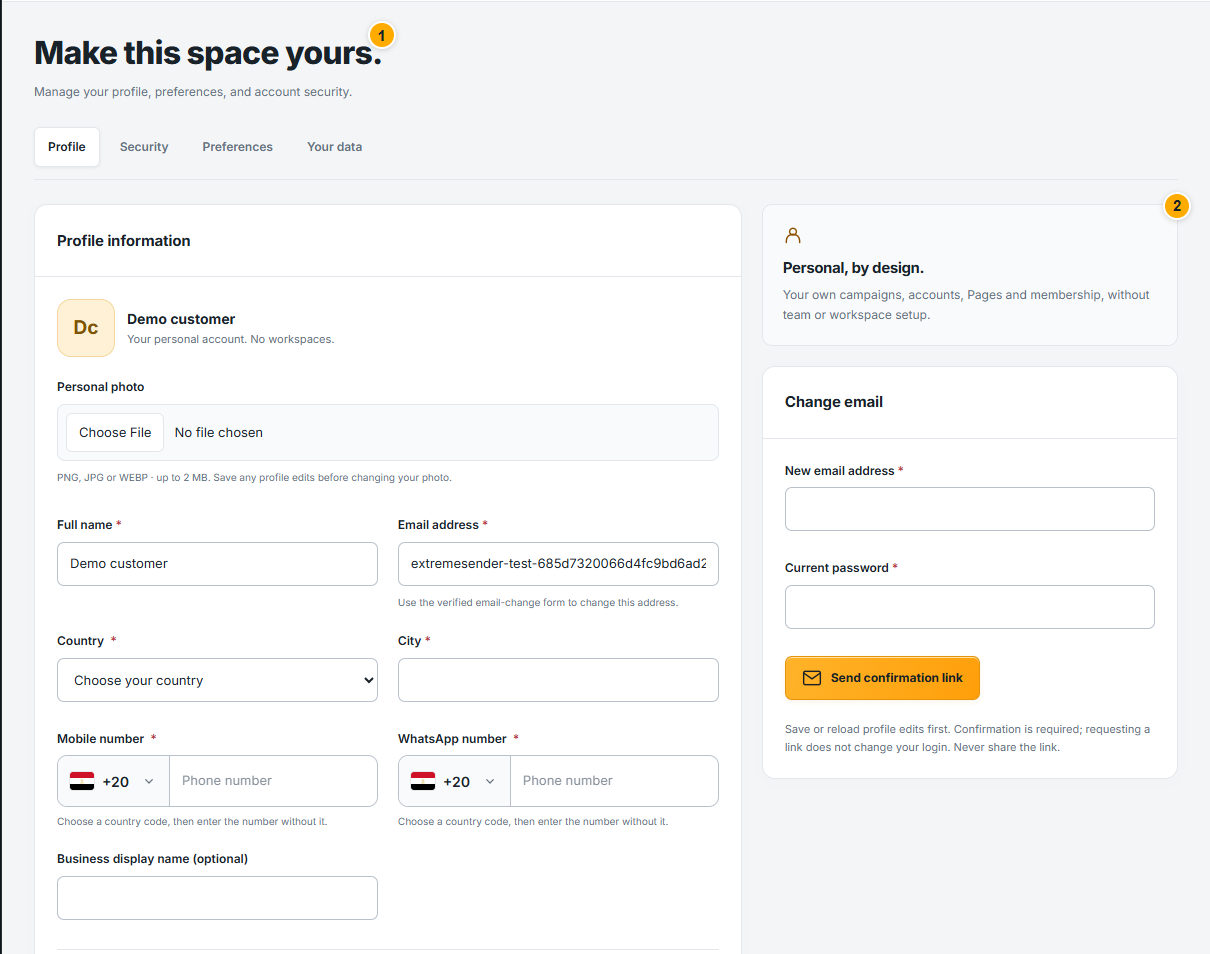 Screenshot from a demo account · Open full size
- 1
Open Settings → Profile and review the saved name and contact details.
- 2
Edit the supported fields and save changes. Follow any confirmation required for a sensitive change rather than assuming typing alone saves it.
- 3
Wait for the save confirmation, then check the displayed values. This customer profile is separate from the Facebook accounts you connect.
Expected result
Your saved customer profile reflects the confirmed changes.