
Manage images and attachments
Prepare media before adding it to a message.
Before you start
Sign in to your own customer account.
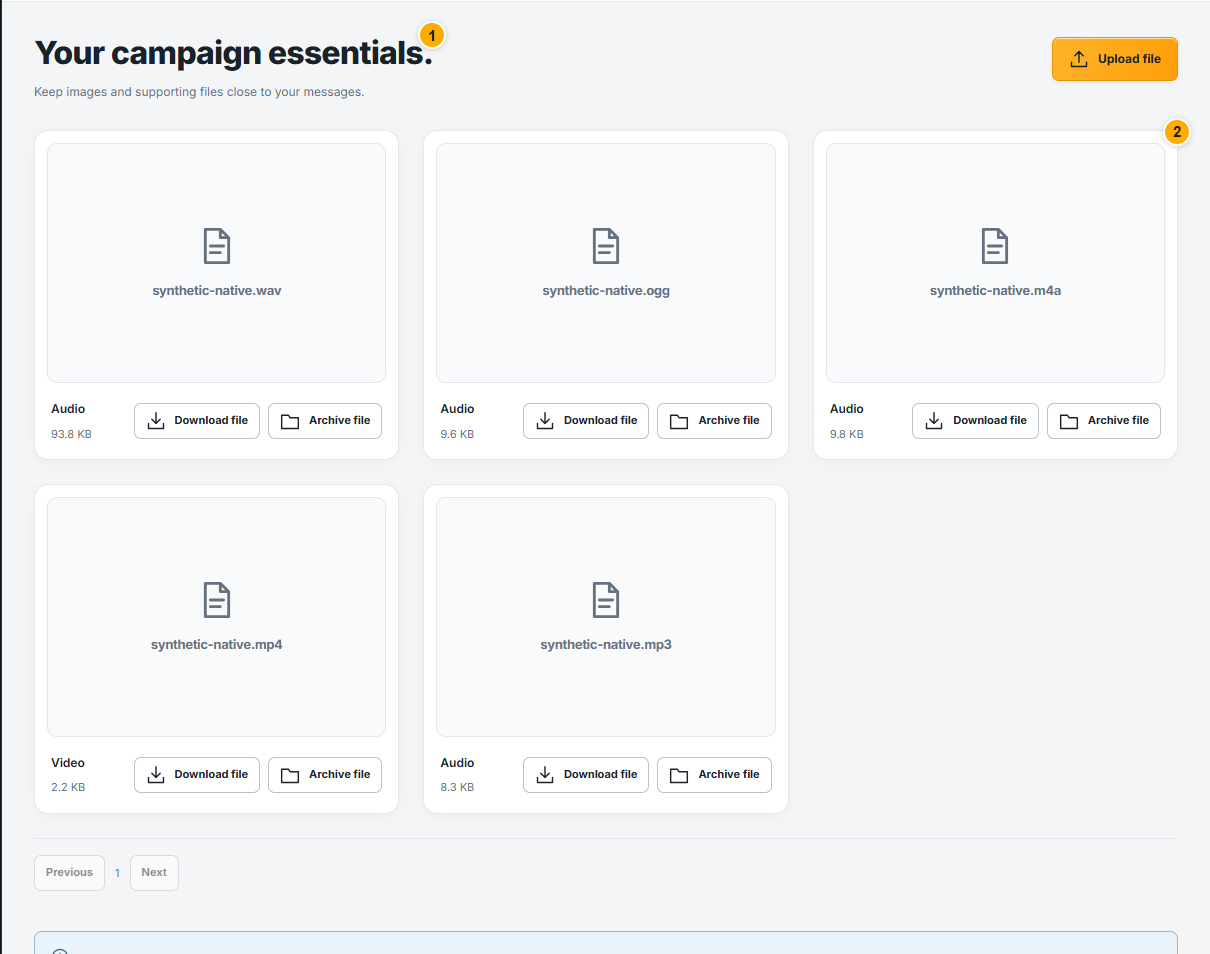 Screenshot from a demo account · Open full size
- 1
Open Media library and review existing files before uploading another copy.
- 2
Choose a supported file and follow the size and type limits shown by the upload form. Wait for processing to finish before using it.
- 3
Select prepared media in the message editor, then preview the full message. If an upload fails, read its error and fix the file before retrying.
Expected result
Your attachment is ready to be selected in a message.