
Read and manage notifications
Follow important updates without losing context.
Before you start
Sign in to your own customer account.
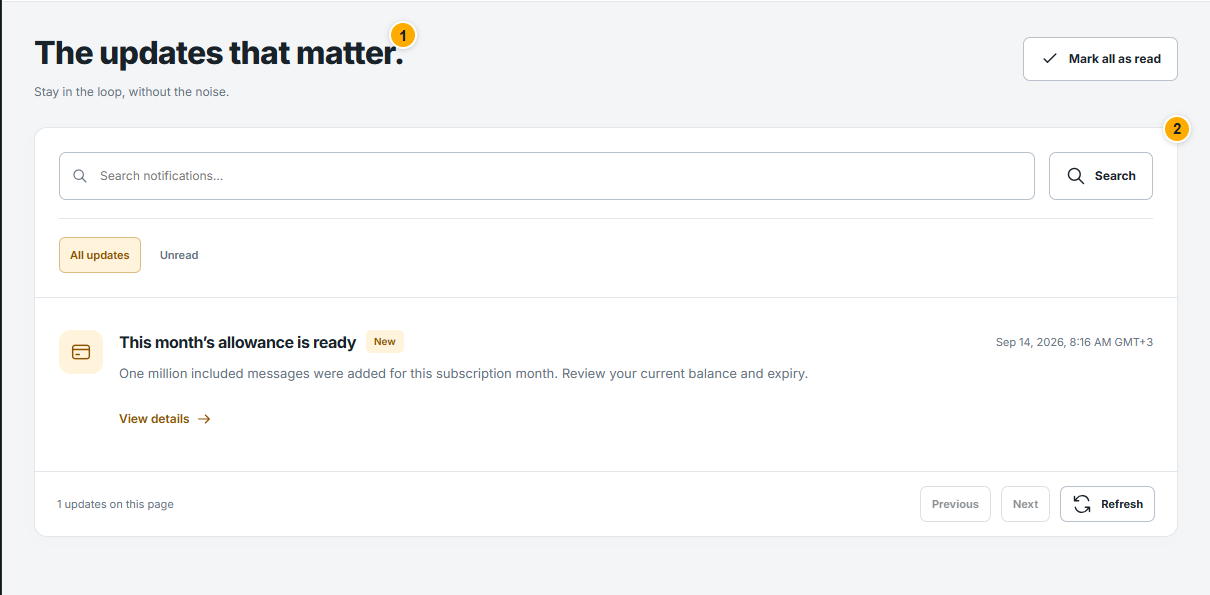 Screenshot from a demo account · Open full size
- 1
Open Notifications from the bell or sidebar and review unread items.
- 2
Open the related campaign, payment or support request when a notification includes a link. Check that page for its current status.
- 3
Mark items as read using the available controls. Use Preferences to change optional notifications; reading one does not change the underlying campaign or payment.
Expected result
You know which updates need an action.