
Track message usage
See where points were used and reserved.
Before you start
Sign in to your own customer account.
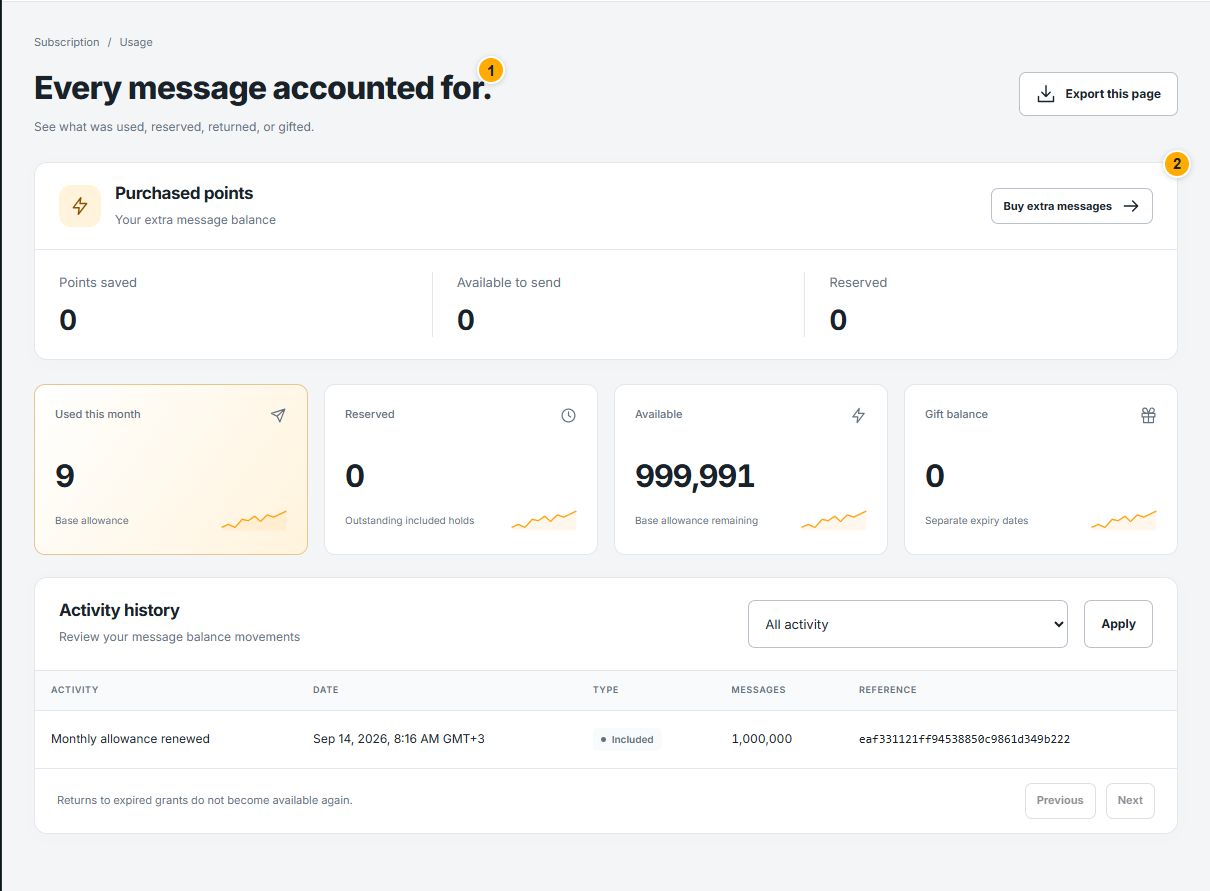 Screenshot from a demo account · Open full size
- 1
Review the current usage and available balances at the top of the page.
- 2
Use the available filters to narrow the displayed records. Open a related campaign to compare its recipient counts with the usage entry.
- 3
Distinguish consumed points from reservations for campaigns. Refresh after a campaign finishes before deciding you need more points.
Expected result
You can explain the balance using its recorded activity.